










Handling multiple inboxes can slow down your workflow and cause missed messages. That’s why merging email accounts has become essential for both personal and professional users. Although you can’t permanently merge accounts into one database, you can combine email accounts into a single, unified inbox. This guide will show you practical ways to centralize your emails, improve organization, and manage all communication more efficiently.
1. Can You Merge Gmail Accounts? Understanding Your Options
To effectively answer the common question "can you merge gmail accounts?", it is important to distinguish between merging a Google identity and merging your workflow. While Google does not allow you to literally fuse two accounts into a single permanent database, you can achieve a seamless gmail merging accounts experience by linking them.
The Strategic Benefits of Gmail Merging Accounts
- Consolidating your digital presence offers several high-value advantages for power users:
- Single Sign-On Efficiency: Access all your professional and personal threads with one login, eliminating the need to manage multiple passwords.
- Workflow Continuity: No more switching tabs or mobile apps; you can see everything in one chronological feed.
- Centralized Search Power: Use Gmail’s robust search operators to find historical conversations across all linked addresses simultaneously.
- Professionalism: Maintain multiple identities (e.g., support@, sales@, or personal) while keeping your internal operations centralized in a single inbox.
2. How to Combine Email Accounts in Gmail (Step-by-Step)
Merging email accounts allows you to centralize your communication, reducing the need to check multiple inboxes. You can achieve this by forwarding emails, setting up POP3 fetching, or using a third-party email client.
Forwarding Emails to a Primary Account
This method sends all new incoming messages from your secondary account to your primary one. To set this up, go to the settings of your secondary account, select "Forwarding and POP/IMAP," enter your primary address, and save changes. This keeps all new messages in one place without merging old mail.
Fetching Emails (POP3)
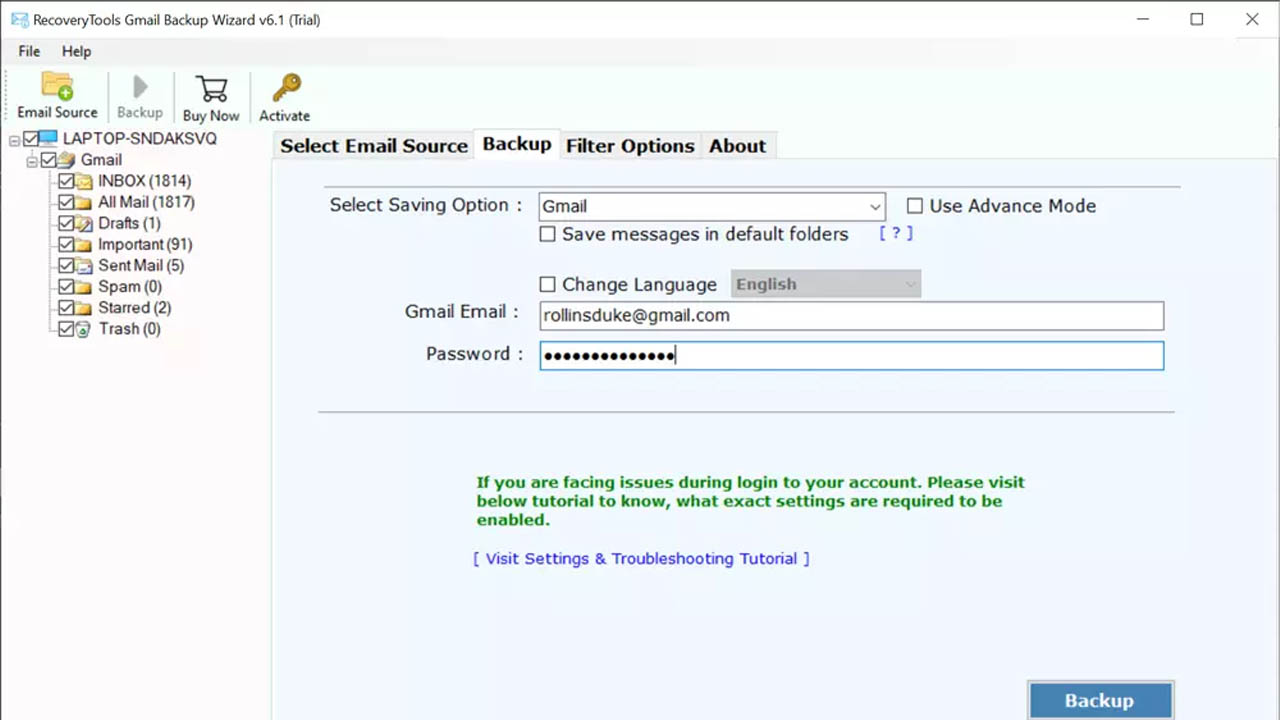
This method allows your primary account (e.g., Gmail) to pull emails from another provider (e.g., Yahoo, older Gmail). Under "Settings" > "Accounts and Import," you can "Check mail from other accounts" to bring in existing inbox messages. This is best for importing old messages and continuous, automated importing of new ones.
Using an Email Client
Applications like Outlook, Thunderbird, or Mailbird allow you to connect multiple accounts, displaying them in a single, unified inbox. You can add each email account to the app, which allows you to send, receive, and read all messages in one interface, without migrating the data between providers.
Sending Email as Another Account
After setting up forwarding or fetching, you can configure your primary account to send emails "from" the secondary account address. In your primary account's "Accounts and Import" settings, add the secondary address in the "Send mail as" section, allowing you to use one primary inbox for all your outgoing mail.
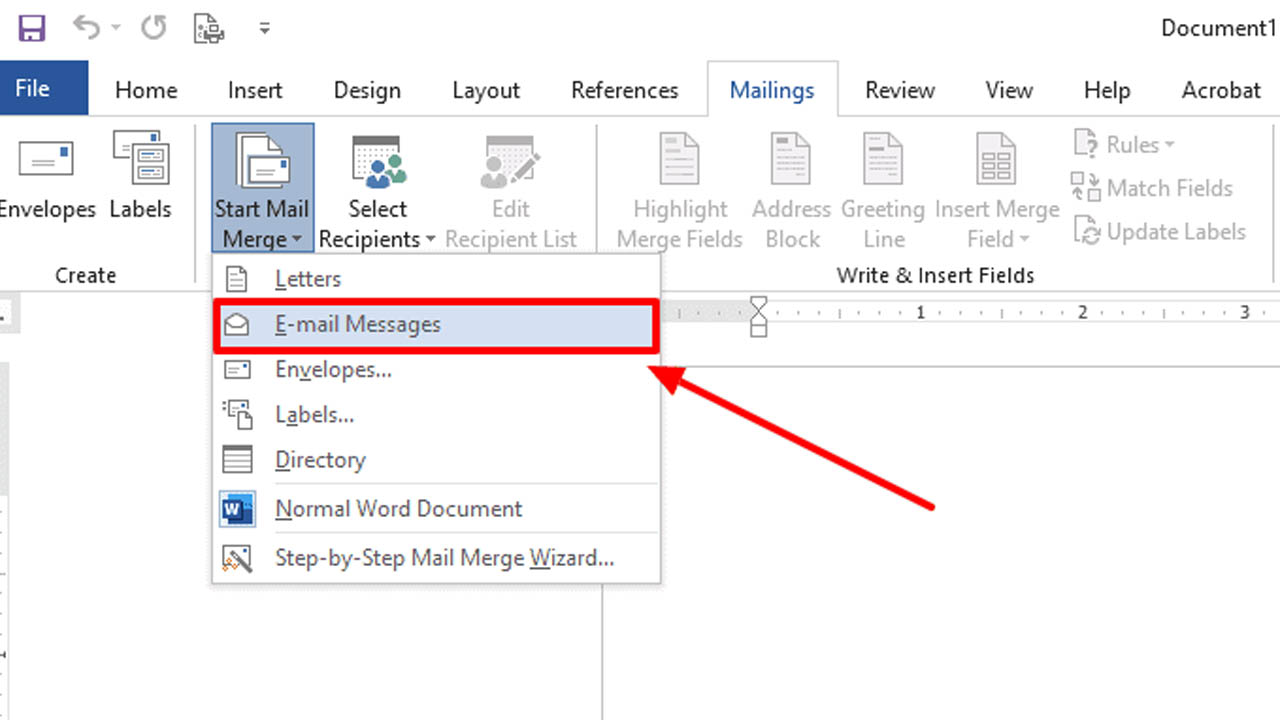
Merging Gmail Accounts (Alias Method)
For two Gmail accounts, you can make the primary account a "secondary" using the "Add another email address" feature. In the primary Gmail "Settings" > "Accounts and Import" > "Send mail as", add the second address and ensure "Treat as an alias" is checked. This allows seamless management of both identities from one login.
3. Why You Should Use High-Quality Accounts for Merging
When you begin merging email accounts, the integrity of each individual address dictates the success of your new unified inbox. Using flagged or low-authority accounts can trigger aggressive spam filters, leading to shadowbans that prevent your messages from ever reaching their destination.
To avoid these deliverability pitfalls, it is essential to ensure that every address involved in your gmail merging accounts strategy is verified and maintains a clean digital reputation.
Professional users often find that "Aged" accounts are far superior for long-term consolidation compared to brand-new ones. These established profiles carry more trust with Google's algorithms, making it much easier when merging emails in gmail to ensure your forwarded or imported mail doesn't get flagged as suspicious activity.
>>> Before you start combining email accounts, ensure your secondary addresses are secure and reputable. Explore our homepage for professional-grade account solutions.
4. MegaAcc: Your Trusted Source for Premium Gmail Accounts
If you are looking to scale your digital presence, MegaAcc stands as the leading provider for users who need reliable, verified Gmail accounts for business or personal consolidation. Navigating the complexities of how to combine email accounts in gmail requires a solid foundation; starting with a professionally created account ensures that your primary inbox remains secure and your outgoing messages stay out of the spam folder.
Why Choose MegaAcc?
Unmatched Trust Signals
With years of industry experience and thousands of satisfied users globally, we understand the nuances of gmail merging accounts. Our reputation is built on providing accounts that actually work for high-volume, professional workflows.
Superior Product Quality
Every account is created using unique, high-quality IPs. This attention to detail ensures maximum deliverability and longevity, which is critical when you are merging email accounts to serve as long-term communication hubs.
Instant Automated Delivery
Time is money, especially when you are trying to figure out how do i merge my email accounts for a new project. MegaAcc provides instant delivery, allowing you to begin your consolidation process the moment your purchase is complete.
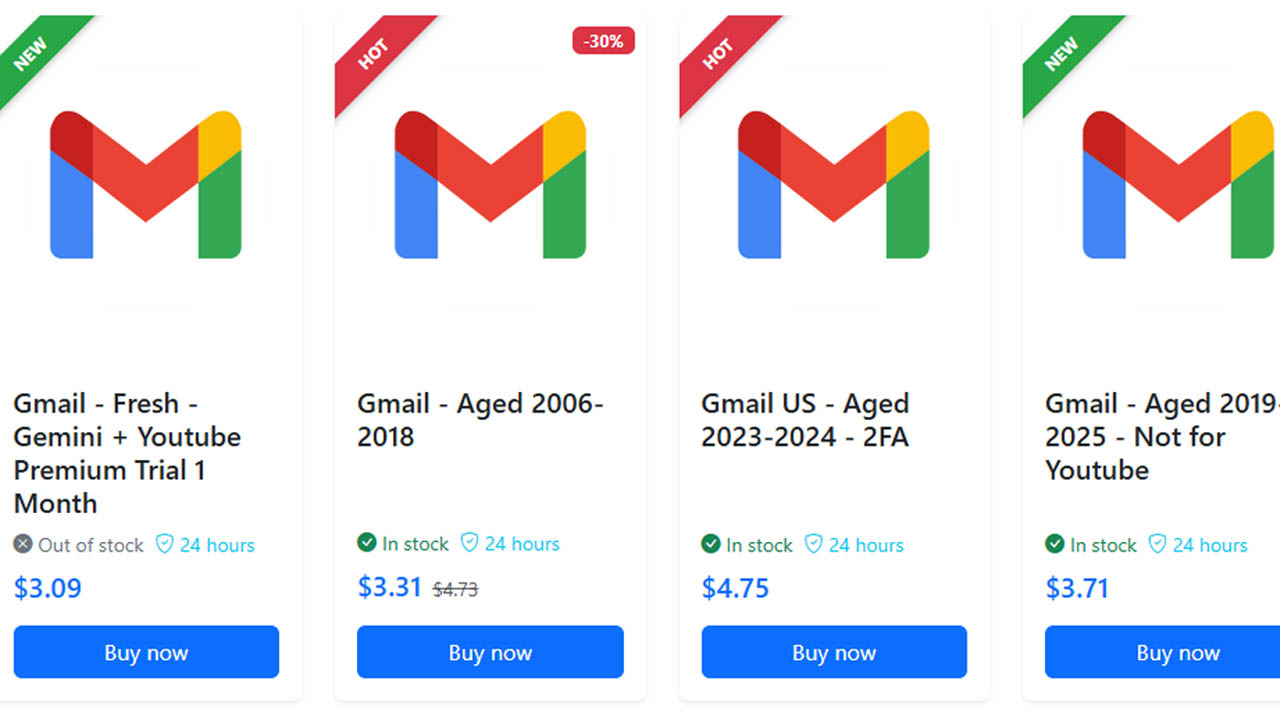
> > > Ready to streamline your workflow with a fresh, high-authority address? Browse our Gmail Account Category for the best deals on verified accounts. Log In now to get started!
5. How Do I Merge My Email Accounts from Other Providers?
If you’re asking "how do i merge my email accounts" across different platforms, Google’s Gmailify is the answer. This tool lets you link Yahoo, Outlook, or Hotmail directly to your Gmail inbox. By combining email accounts this way, you gain Gmail’s superior spam protection and search power for all your external addresses without a manual migration.
To begin merging email accounts from other providers, go to Gmail "Settings" > "Accounts and Import." Under "Check mail from other accounts," add your external address. Choosing between Gmailify or POP3/IMAP settings allows for seamless merging emails in gmail, ensuring you can manage every identity from a single dashboard.
Sometimes gmail merging accounts from third parties hits a snag due to strict security protocols or "App-Specific Passwords." If combining email accounts becomes too technical, starting fresh with a high-authority, pre-verified account is often the most reliable solution for a clean slate.
6. Common Challenges When You Merge Email Accounts
A major hurdle when merging email accounts is hitting Google’s storage limits. Since all messages from your linked addresses funnel into one destination, your primary inbox can fill up fast. Before combining email accounts, ensure your main account has enough Google One space to handle the increased volume of history and attachments.
Challenges When You Merge Email Accounts
Another issue when merging emails in gmail is inbox clutter. Without custom "Labels" and "Filters," your professional and personal mail will mix. To stay organized while gmail merging accounts, set up automated rules so each incoming address is categorized instantly, preventing a chaotic dashboard.
Security sync errors are also common when you combine email accounts. If you change a password on a secondary address, the link to your primary inbox will break.
Best Practices for Gmail Merging Accounts
To stay organized while gmail merging accounts, create a unique label for each address you import. This ensures that when merging emails in gmail, you can instantly distinguish between personal and business messages within one unified view.
A critical step when combining email accounts is setting your "Send Mail As" options to "Reply from the same address the message was sent to." This maintains professional consistency across all your identities.
For technical troubleshooting, consult Google’s official documentation on how to check mail from other accounts.
If you find that how do i merge my email accounts results in a cluttered or slow inbox, starting fresh with a high-authority, aged address is the best way to ensure maximum performance.
>>> Streamline your communication today with a reliable, high-performance address. Get a High-Quality, Aged Gmail Account Now from MegaAcc
6. Frequently Asked Questions About Merging Email Accounts
1. Can you merge Gmail accounts into one permanently?
No, Google does not allow you to literally fuse two accounts into a single database. However, you can achieve the same result by merging emails in Gmail through forwarding and the "Send Mail As" feature. This allows you to manage everything from one dashboard while combining email accounts effectively.
2. How do I merge my email accounts from non-Google providers?
You can use the Gmailify feature or POP3/IMAP settings within Gmail's "Accounts and Import" tab. This is the best way to start how to combine email accounts in Gmail when dealing with Outlook, Yahoo, or private domains, ensuring all your messages land in one place.
3. Will merging email accounts delete my old messages?
No, when you are gmail merging accounts, your old messages are typically imported or forwarded, not deleted from the original server. If you use the "Import" tool, your history is copied over, allowing you to successfully merge email accounts without losing years of critical data.
4. What is the risk of merging low-quality or flagged accounts?
If you are combining email accounts that have poor reputations, you risk your primary inbox being flagged for spam. To ensure high deliverability when merging emails in Gmail, it is best to use high-authority, aged accounts that Google already trusts.
>>> Read more: How to Manage Multiple Gmail Accounts Like a Pro?
Final Words
Merging email accounts helps you stay organized, save time, and avoid constantly switching between inboxes. By using methods like email forwarding, POP3 fetching, or email clients, you can combine email accounts into one streamlined hub. With the right setup, merging email accounts transforms a scattered communication system into a smooth, efficient workflow that supports productivity and clarity.
________________________
Quick Access
- Sign In: https://megaacc.com/Identity/Account/Login
- Register: https://megaacc.com/Identity/Account/Register
- Product Categories: https://megaacc.com/
- Telegram Support: https://t.me/megaacc_bot
- Email Support: support@megaacc.com