









.jpg)
In today’s fast-paced digital world, juggling different roles often means juggling different addresses. Whether you are balancing a side hustle, a corporate career, and personal life, learning how to manage multiple Gmail accounts is essential for maintaining productivity. Switching between tabs and constantly re-authenticating can lead to massive "log-in fatigue." By implementing the right organizational strategies, such as unified inboxes or dedicated browser profiles, you can regain control over your digital communication and ensure no important message ever slips through the cracks.
1. Top Methods for Managing Multiple Gmail Accounts
Learning how to manage multiple gmail accounts efficiently saves time and reduces clutter. Whether for work or personal use, these top methods help you stay organized across all your inboxes.
1.1. Sign In to Multiple Accounts (Desktop/Mobile)
Google allows you to stay signed into several accounts simultaneously. On a computer, click your profile icon and select "Add another account" to switch between them easily. On mobile, the Gmail app lets you view all accounts via an "All Inboxes" view, consolidating your messages into a single scrolling list.
1.2. Forward Emails to One Inbox
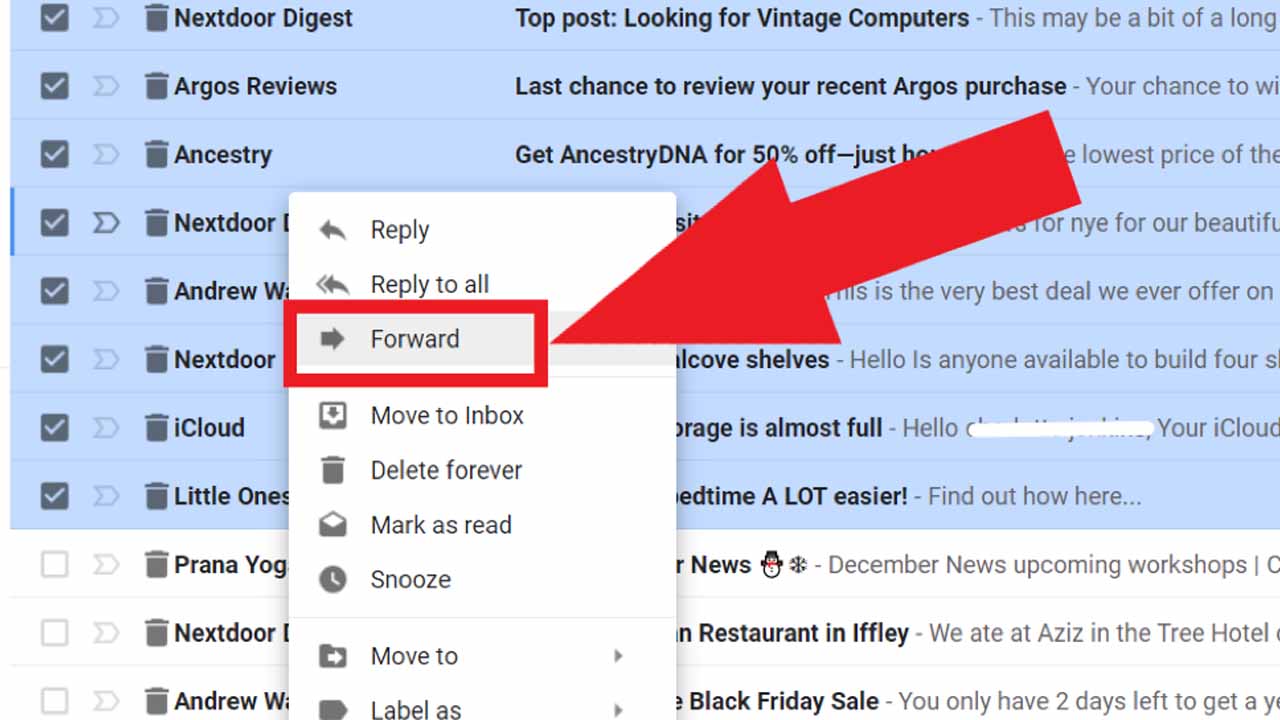
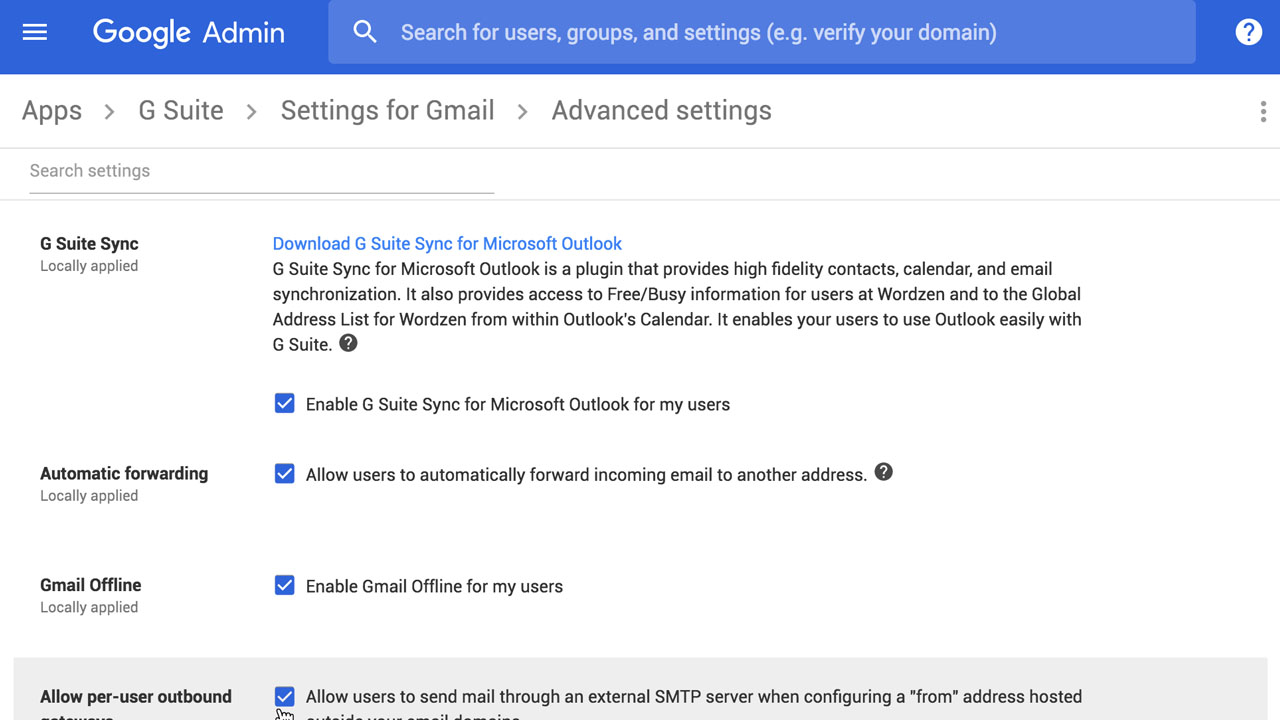
If you prefer centralizing your workflow, you can set up email forwarding in your secondary accounts' settings. This automatically sends all incoming mail to your primary address. It’s a "set it and forget it" method that ensures you never miss a message, regardless of which address the sender uses.
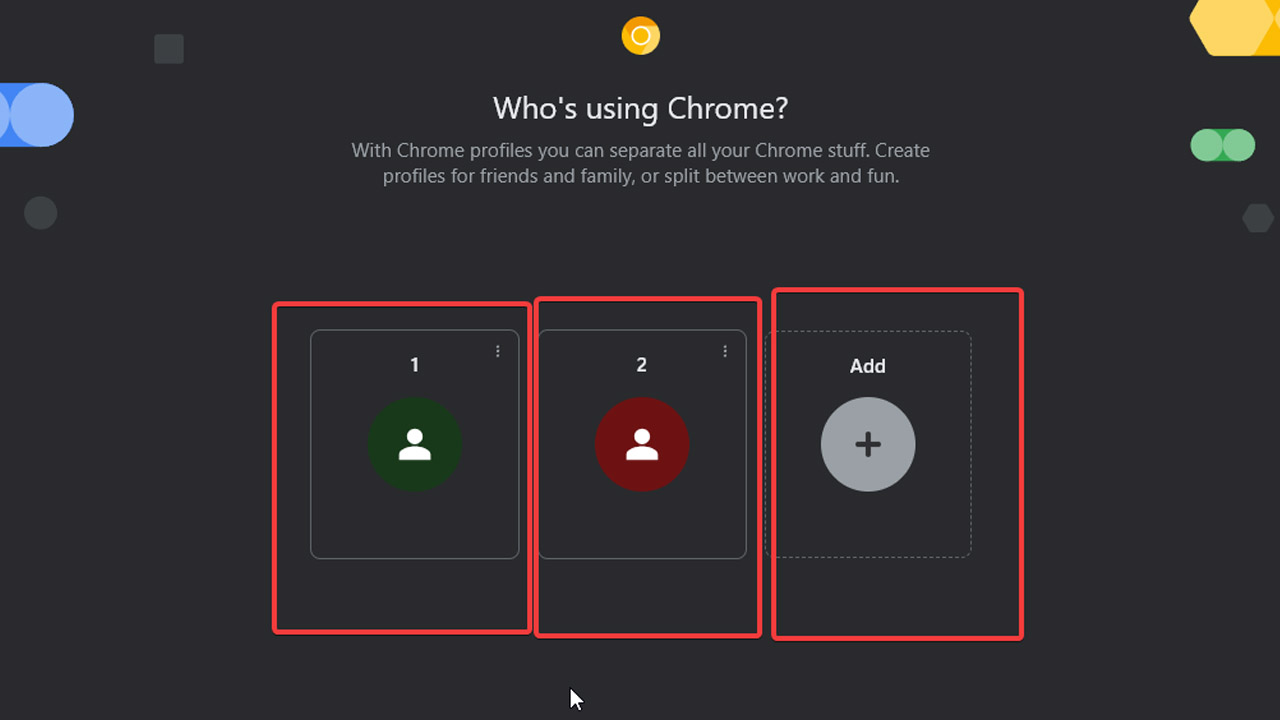
1.3. Use Chrome Profiles (Best for Separation)
For total separation between work and personal life, Chrome Profiles are the top choice when learning how to manage multiple Google accounts. Each profile operates as a completely independent browser instance with its own history, bookmarks, and saved passwords, preventing you from accidentally sending a personal link from your professional email or vice versa.
1.4. Use Gmail "Send Mail As
Once you’ve forwarded your mail, use the "Send Mail As" feature in your primary account’s settings to reply using your secondary addresses. This allows you to manage the entire communication cycle, receiving and sending - from one dashboard without the recipient ever knowing you aren't logged into the other account.
>>> Setting up a new project or scaling your outreach? Get started with high-quality, aged accounts to ensure maximum deliverability. Browse our Premium Gmail Accounts at MegaAcc
2. Common Challenges When Managing Multiple Google Accounts
Struggling with inbox overload? Learn how to manage multiple Gmail accounts in one inbox to reduce switching, improve focus, and stay organized across personal and professional communications.
2.1. Log-In Fatigue and Session Disruptions
Constantly switching between profiles is a major productivity killer. Google often triggers repetitive 2FA prompts or session timeouts when toggling accounts, forcing you to waste time re-authenticating instead of focusing on your inbox.
2.2. Privacy Risks and Account "Bleeding"
Without clear boundaries, it’s easy to send professional documents from a personal address. Managing multiple accounts in one browser can also cause "data bleeding," where your search history or bookmarks accidentally sync across the wrong Google account.
2.3. Notification Gaps and Missed Emails
Checking five separate tabs leads to "reactive" work. When you don't manage multiple email accounts through a central system, urgent messages often go unnoticed for hours, damaging your professional responsiveness and overall organization.
3. Boost Your Efficiency with MegaAcc: High-Performance Gmail Solutions
When learning how to manage multiple email accounts in Gmail, the biggest bottleneck isn't the software, it’s the quality of the accounts themselves. Frequent verify your identity prompts and sudden account suspensions can derail even the best organizational system. This is where MegaAcc provides a professional-grade foundation for your workflow.
4. Why Choose MegaAcc for Your Multi-Account Strategy?
Managing a high volume of profiles requires stability. MegaAcc specializes in providing high-quality accounts that allow you to scale your digital presence without the typical headaches of DIY account creation.
3.1. PVA & Aged Accounts
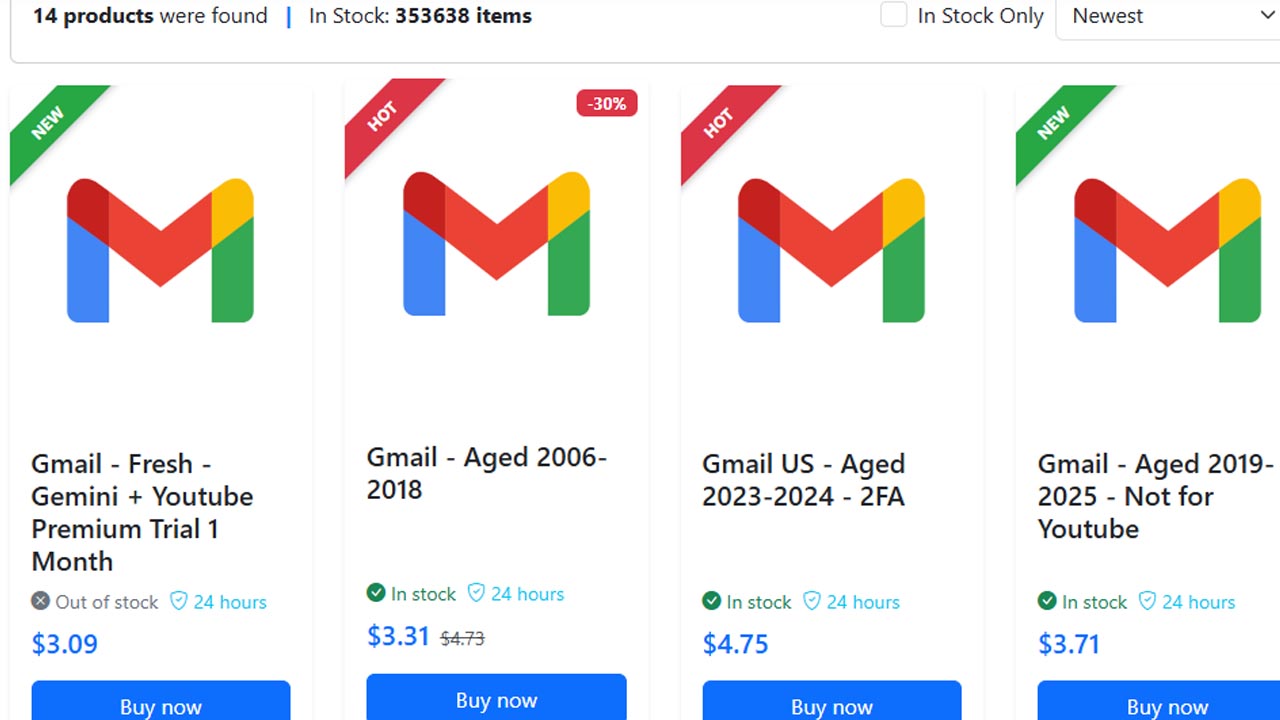
Avoid the dreaded instant flags. Our Phone Verified Accounts (PVA) and aged Gmail profiles offer the "trust factor" Google looks for, reducing phone-verification hurdles when you switch between multiple Google accounts.
3.2. Instant Automated Delivery
Time is money. Once your purchase is complete, your account credentials are delivered instantly so you can start organizing your unified inbox immediately.
3.3. Proven Trust Signals
With high retention rates and a focus on account longevity, MegaAcc is the go-to source for marketers and power users globally.
Dedicated 24/7 Support
Have a question or need technical guidance? Our team is always available via the official MegaAcc Telegram bot or via email at support@megaacc.com.
Whether you are an affiliate marketer needing clean profiles or a business owner looking to manage multiple email accounts in Gmail for different departments, MegaAcc delivers the raw materials for a seamless, professional strategy.
>>> Ready to streamline your setup? Explore the full Gmail account category at MegaAcc and find the perfect aged profiles for your needs.
5. Pro Tips for Managing Multiple Email Accounts in Gmail
To manage multiple email accounts in Gmail efficiently, use Chrome Profiles to keep each identity’s cookies and history separate. This prevents account "bleed" and allows you to stay logged into different profiles simultaneously without constant re-authentication.
For a more consolidated workflow, set up a unified inbox by using the "Accounts and Import" settings. This lets you manage multiple Gmail accounts in one inbox, allowing you to read and "Send mail as" different addresses from a single primary dashboard.
The most critical tip for stability is starting with aged, PVA (Phone Verified) accounts. High-quality accounts from MegaAcc are less likely to trigger security flags or verification loops, ensuring your multi-account system remains reliable as you scale.
>>> Ready to upgrade your workflow? Log in to your MegaAcc account now to access premium, high-stability Gmail profiles.
6. Frequently Asked Questions (FAQ)
6.1. Is it a good idea to have multiple Gmail accounts?
Yes, it is perfectly okay and common to have multiple Gmail accounts, and Google allows you to manage them simultaneously on the same device or browser. It is an effective way to separate personal, work, and spam-prone subscriptions
6.2. What's the best way to manage multiple Gmail Accounts?
How to manage multiple Gmail accounts within Gmail: browser or app
- Open Gmail. Start by opening Gmail in your web browser or mobile app, and sign in with your primary Gmail account. ...
- Add another account. You'll see your profile photo or initial icon in the top-right corner of the screen. ...
- Switch between accounts.
6.3. How to manage multiple gmail accounts on android?
To manage multiple Gmail accounts on Android, open the Gmail app, tap your profile picture in the top right, and select Add another account. You can seamlessly switch between accounts via the profile icon or view all messages together by selecting All inboxes in the menu. The app supports up to 10 accounts simultaneously.
6.4. How do I toggle between two different Gmail Accounts?
To switch Gmail accounts, click your profile picture/initial in the top right corner (desktop) or tap it in the top right (mobile app) and select the desired account from the list. If the account isn't listed, choose "Add another account" to sign in, allowing you to quickly switch between multiple profiles without logging out.
>>> Read more: How to Create Multiple Email Without Phone Number?
Conclusion
Mastering your digital ecosystem doesn't have to be a source of stress. Whether you choose to centralize your workflow through email forwarding or prefer the strict boundaries offered by Chrome profiles, knowing how to manage multiple Gmail accounts effectively is a game-changer for your daily routine. By combining these organizational methods with high-quality, stable accounts, you can create a seamless communication hub that scales with your needs and keeps your professional and personal lives perfectly balanced.
________________________
Quick Access
- Sign In: https://megaacc.com/Identity/Account/Login
- Register: https://megaacc.com/Identity/Account/Register
- Product Categories: https://megaacc.com/
- Telegram Support: https://t.me/megaacc_bot
- Email Support: support@megaacc.com