









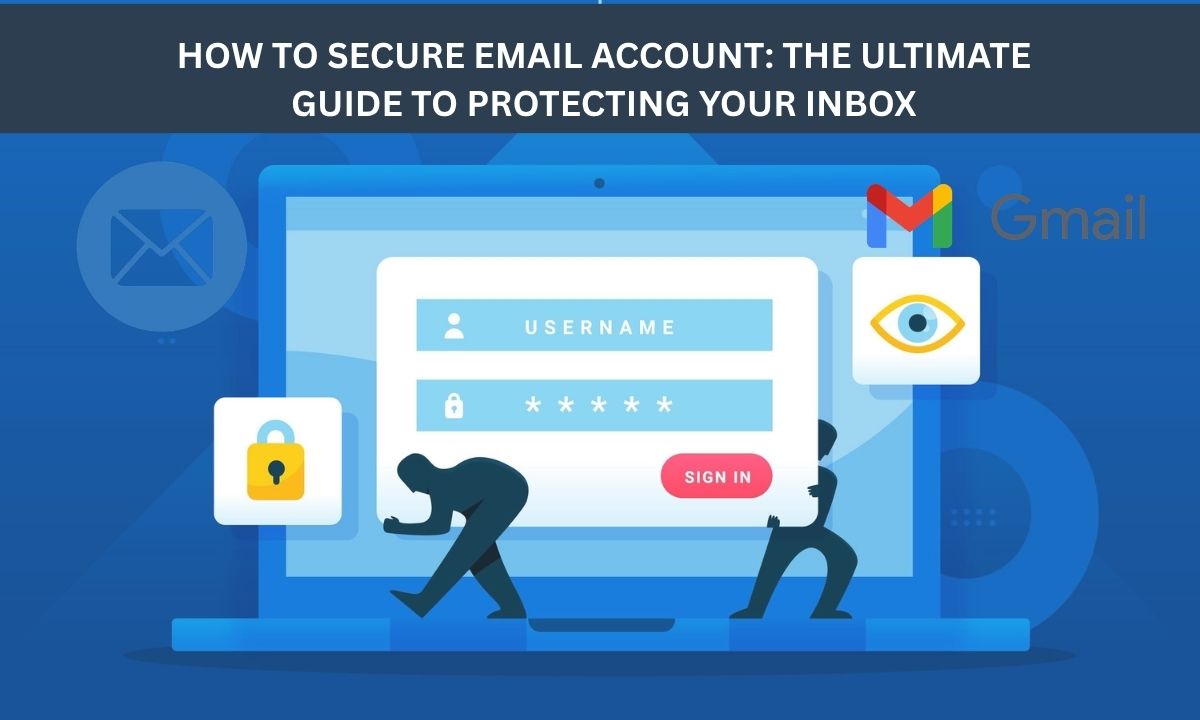
Your inbox holds the keys to your entire digital life, from private bank statements to sensitive personal messages. If cybercriminals gain access, the resulting identity theft and financial fraud can be devastating. Unfortunately, many users leave their inboxes dangerously unprotected. If you are worried about data breaches, learning how to secure email account access is your most critical line of defense. In this guide, we will explore practical, proven strategies to lock down your messages and protect your digital identity.
Why You Must Secure Email Accounts?
Securing email accounts is critical to prevent devastating financial losses, identity theft, and data breaches, as emails contain sensitive personal, financial, or corporate information. It protects against phishing, malware, and unauthorized access, maintaining privacy and professional reputation.
Prevent Financial Loss and Fraud
Secure accounts protect against Business Email Compromise (BEC) attacks, which can cost millions, and phishing attempts designed to steal credentials.
Data Security and Privacy
Without encryption, emails are vulnerable to being read by intermediaries. Proper security ensures only authorized recipients view the content, crucial for sharing tax returns, legal documents, or medical records.
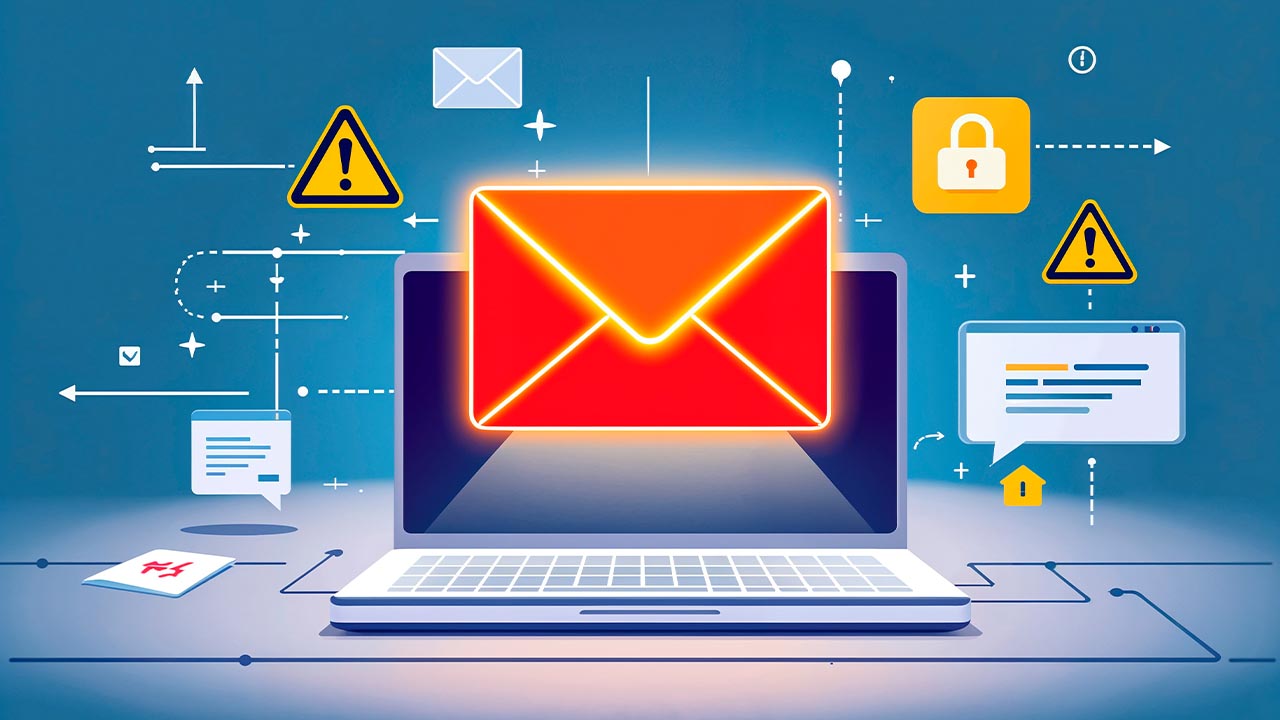
Defend Against Malware and Spyware
Hackers often use compromised emails to spread malware (like ransomware) or install spyware, such as Pegasus, onto devices.
Protect Confidential Information
Unauthorized access can leak intellectual property, trade secrets, and personal information.
The Basics of Securing Email Accounts for Free
Protecting your personal information online is essential, and knowing how to secure email account settings for free is the best first step. These simple, no-cost actions significantly reduce your risk of hacking.
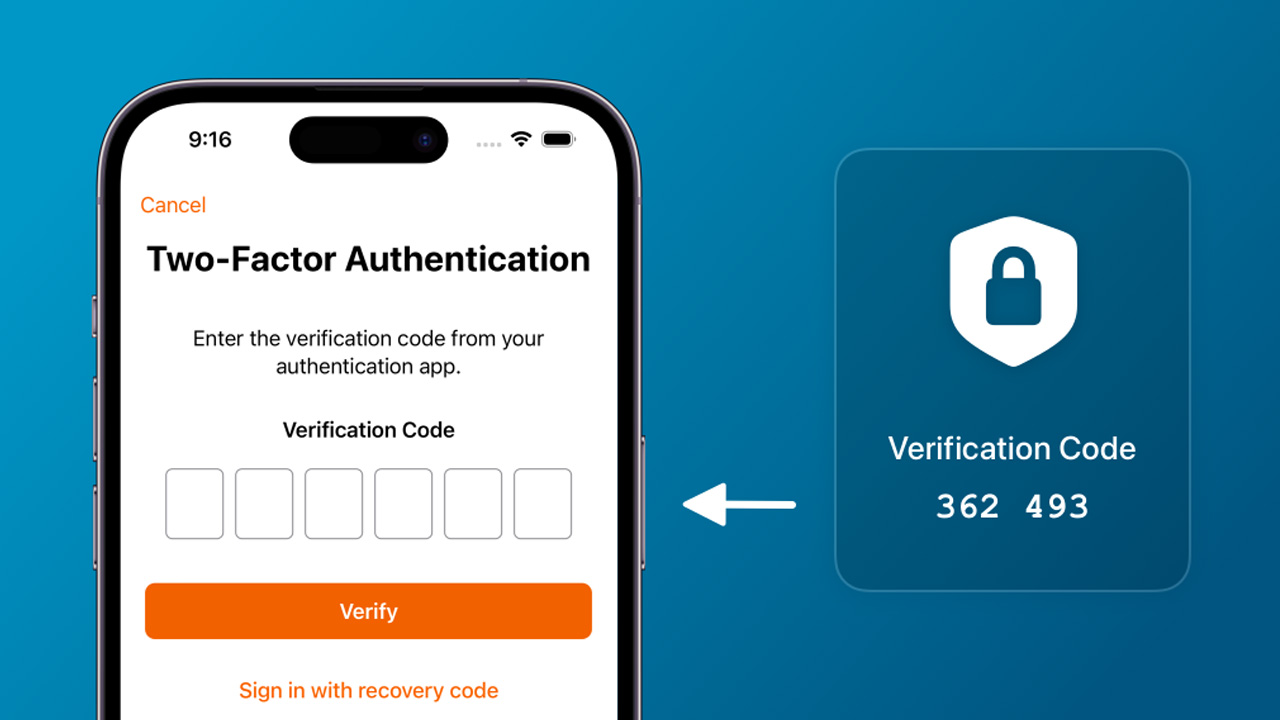
Enable Two-Factor Authentication (2FA)
Activating 2FA (or two-step verification) is the single most effective way to secure your email for free. This adds a second layer of security, requiring a code from your phone or an authenticator app, making it nearly impossible for hackers to access your account even if they steal your password.
Use Strong and Unique Passwords
Create complex passwords that are at least 12 characters long, combining uppercase and lowercase letters, numbers, and symbols. Never reuse your email password on other websites, as a breach on one site could expose your inbox; using a free password manager helps keep these secure.
Regularly Audit Security Settings
Take time to review your account's "Security Checkup" page to monitor for unfamiliar login activity, devices, or locations. Immediately remove any authorized apps or browser extensions you no longer use, which can act as backdoors for hackers.
Beware of Phishing and Suspicious Links
Legitimate service providers will never ask for your password via email or phone. Train yourself to spot fake emails by checking the sender’s address for misspellings and avoiding clicking on unexpected links or attachments, which often carry malware or ransomware.
Switch to Encrypted Email Providers
For enhanced privacy, consider switching to free, end-to-end encrypted email services like Proton Mail or Tuta. These providers ensure that only you and the recipient can read messages, protecting your data from surveillance and potential data breaches.
Protecting your digital identity starts with your inbox. Follow this expert guide on how to secure Gmail account access using advanced, free settings to keep your private messages and data safe.
How to Secure Gmail Account Access Like a Pro?
Protecting your digital identity starts with your inbox. Follow this expert guide on how to secure Gmail account access using advanced, free settings to keep your private messages and data safe.
Complete the Google Security Checkup
Google provides a dedicated Security Checkup tool that highlights specific vulnerabilities in your account. By following these personalized recommendations, you can quickly revoke access to old devices and untrusted third-party apps that may compromise your privacy.
Switch to Google Prompt or Security Keys
While text message codes are common, "Google Prompts" or physical security keys offer professional-grade protection against phishing. These methods require a physical interaction with your trusted mobile device, making it nearly impossible for remote hackers to bypass your login screen.
Set Up an Encrypted Recovery Method
Ensure your recovery phone number and email address are up to date and secured themselves. Having these backup options configured correctly allows you to regain control of your account instantly if Google detects suspicious activity or if you happen to forget your primary password.
>>> Need a fresh start with a verified foundation? Browse our high-quality Gmail accounts to jumpstart your secure communication.
Why You Should Choose MegaAcc for Secure Email Accounts?
When learning how to secure email account access, starting with a reliable foundation is vital. MegaAcc offers premium, verified accounts that prioritize privacy, ensuring your digital communications remain fully protected.
Professional Verification for Securing Email Accounts
Every account we provide is Phone Verified (PVA), ensuring it meets the highest security standards. This process prevents unauthorized lockouts and provides the stability needed for securing email accounts long-term without the risk of sudden flags.
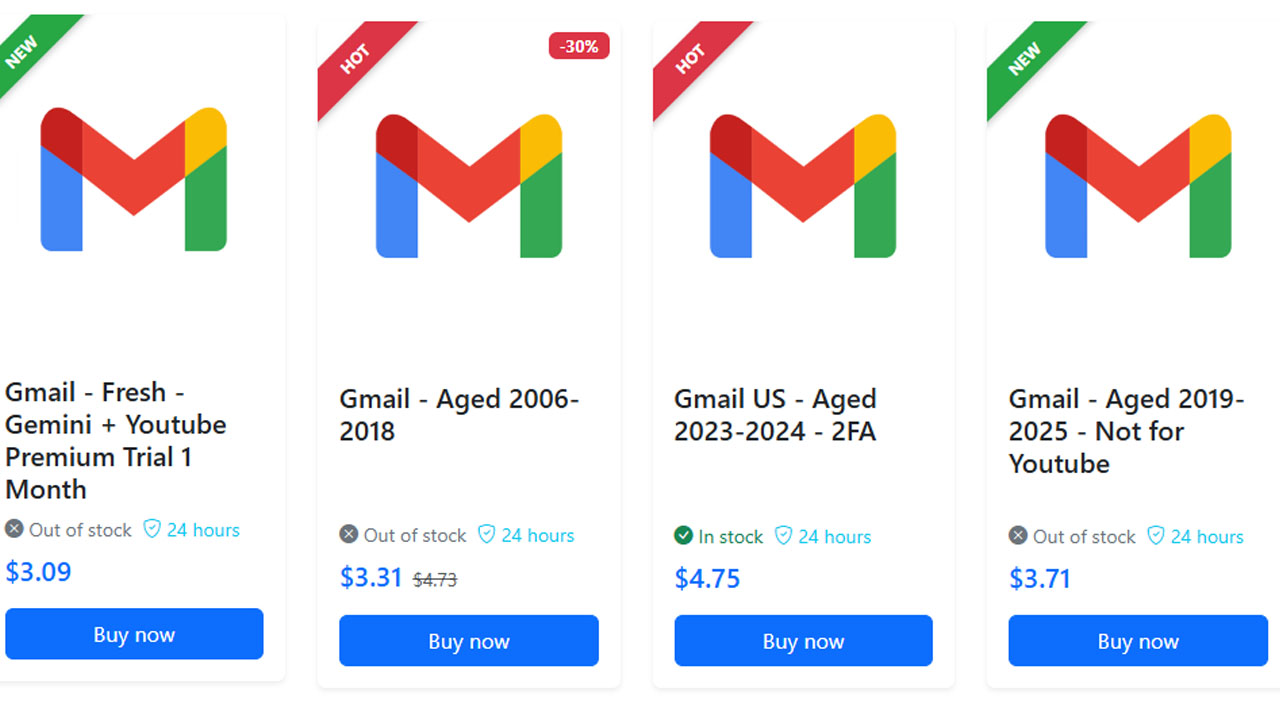
Aged Assets for Better Gmail Account Security
Using aged accounts is an effective way to improve Gmail security and reduce verification challenges. Services like MegaAcc provide accounts with long usage histories, which are generally more trusted by Google compared to newly created ones.
You can choose from several options depending on your needs:
- Gmail aged accounts (2006–2018): high trust level, suitable for long-term use
- Gmail aged accounts (2019–2025, not for YouTube): good for general activities
- US Gmail accounts with 2FA (2023–2024): enhanced security with two-factor authentication
High-Quality Options for Secure Email Accounts Free of Risk
While many look for secure email accounts free of charge, these often lack the privacy protections of a professional asset. MegaAcc bridges this gap by providing high-quality, residential-IP-created accounts that guarantee a clean, secure slate for every user.
Advanced Strategies for Securing Email Accounts
Beyond the basics, professional tactics are vital for anyone learning how to secure email account access. These advanced methods ensure your strategy for securing email accounts stays ahead of modern threats.
Use Hardware Keys to Secure Email Accounts
Physical security keys are the gold standard. Unlike SMS, these devices prevent phishing, ensuring secure email accounts free from remote bypass by requiring a physical touch to log in.
Audit Activity to Secure Gmail Account Access
To effectively secure Gmail account data, regularly check the "Last Account Activity" logs. This allows you to monitor active sessions and instantly revoke access to any unrecognized devices or locations.
Encrypt Data for Better Email Security
To truly secure email content, use end-to-end encryption tools like PGP. This ensures that even if a message is intercepted, your sensitive data remains unreadable to everyone except the intended recipient.
>>> Ready for a more secure setup? Log in to MegaAcc to access premium, high-authority accounts designed for maximum privacy.
Frequently Asked Questions on How to Secure Email
What is the fastest way to secure Gmail account access?
A: Enable 2FA (Two-Factor Authentication) immediately and run the Google Security Checkup. This combination closes the most common vulnerabilities hackers use to gain entry.
Q: Are there any ways to keep secure email accounts free from hackers?
A: Yes. Use a unique, complex password for every account and never reuse them. Pairing this with a hardware security key provides the strongest defense available at no ongoing cost.
Q: How often should I update my settings to secure email?
A: Perform a security audit every 90 days. Review your recovery phone number, active login sessions, and third-party app permissions to ensure your secure email remains private.
Q: Why should I buy a verified account instead of making one?
A: Buying from a trusted provider like MegaAcc ensures you start with a high-trust, aged asset. This avoids the technical flags and security triggers often associated with new, unverified accounts.
>>> Read more: How to Manage Multiple Gmail Accounts Like a Pro?
Final Words
Protecting your digital identity doesn't have to be complicated, but it does require immediate action. By enabling two-factor authentication, using strong passwords, and monitoring your login activity, you build an impenetrable fortress around your personal data. Do not wait for a devastating breach to happen before taking cybersecurity seriously. Master how to secure email account settings today, and enjoy the peace of mind that comes with a truly private, hacker-proof inbox.
>>> Have more questions or need a specific solution? Register your MegaAcc account today or contact support@megaacc.com for expert guidance on choosing the right secure email for your needs.
________________________
Quick Access
- Sign In: https://megaacc.com/Identity/Account/Login
- Register: https://megaacc.com/Identity/Account/Register
- Product Categories: https://megaacc.com/
- Telegram Support: https://t.me/megaacc_bot
- Email Support: support@megaacc.com