










Creating a secure email account without sharing your phone number is increasingly important for privacy-conscious users. This guide explains how to create free email without phone number using reliable methods and trusted providers. From Gmail workarounds to privacy-focused platforms like Proton Mail and Tuta, you’ll learn practical steps, tips, and risks involved. Whether you prioritize anonymity or convenience, this article provides a professional, up-to-date approach to setting up email accounts without phone verification.
Where Can I Create An Email without Phone Number? Top Providers
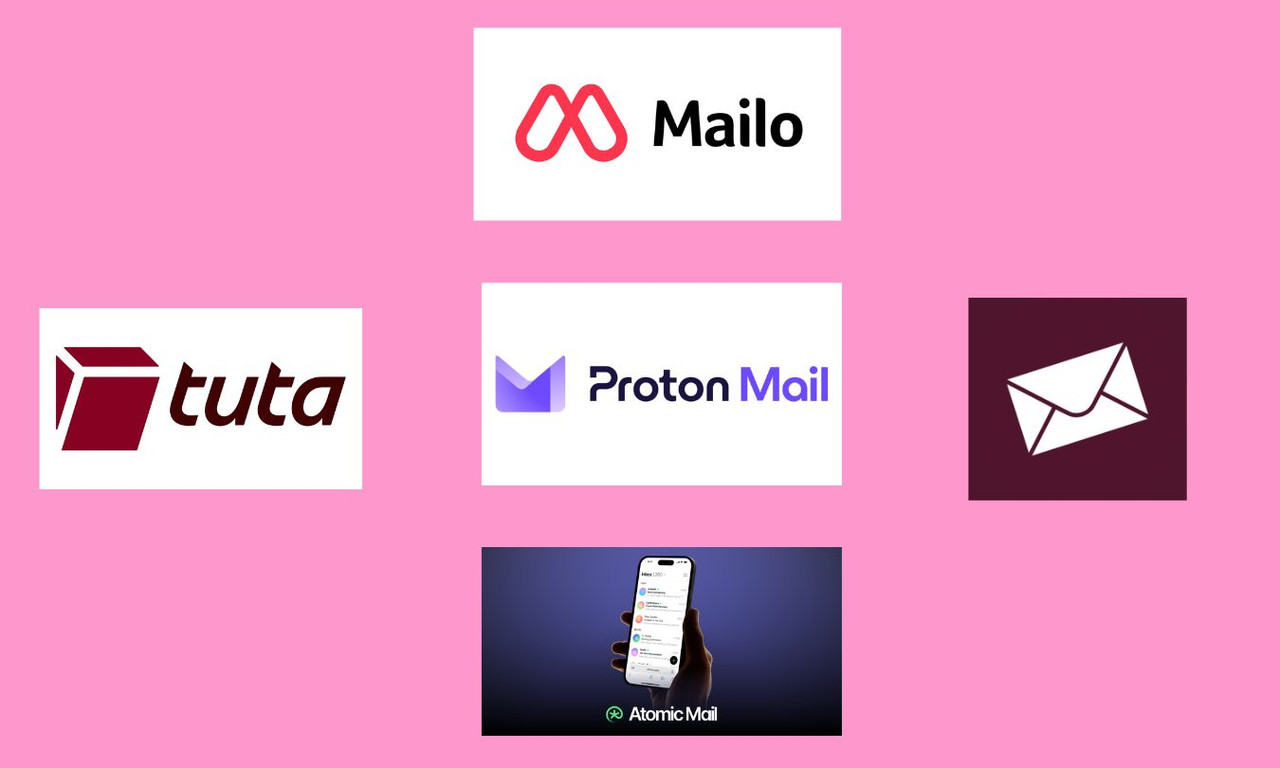
Top providers for creating free, phone-number-free email accounts include Proton Mail, Tuta (formerly Tutanota), Atomic Mail, and Disroot. These services prioritize user privacy, often requiring only a username and password to register.
Top Providers for No-Phone-Number Email:
- Tuta: Focuses entirely on privacy, offering anonymous sign-ups without tracking, IP logging, or phone requirements, using quantum-safe encryption.
- Proton Mail: A top choice offering secure, end-to-end encrypted email. It usually allows bypassing phone verification during account setup.
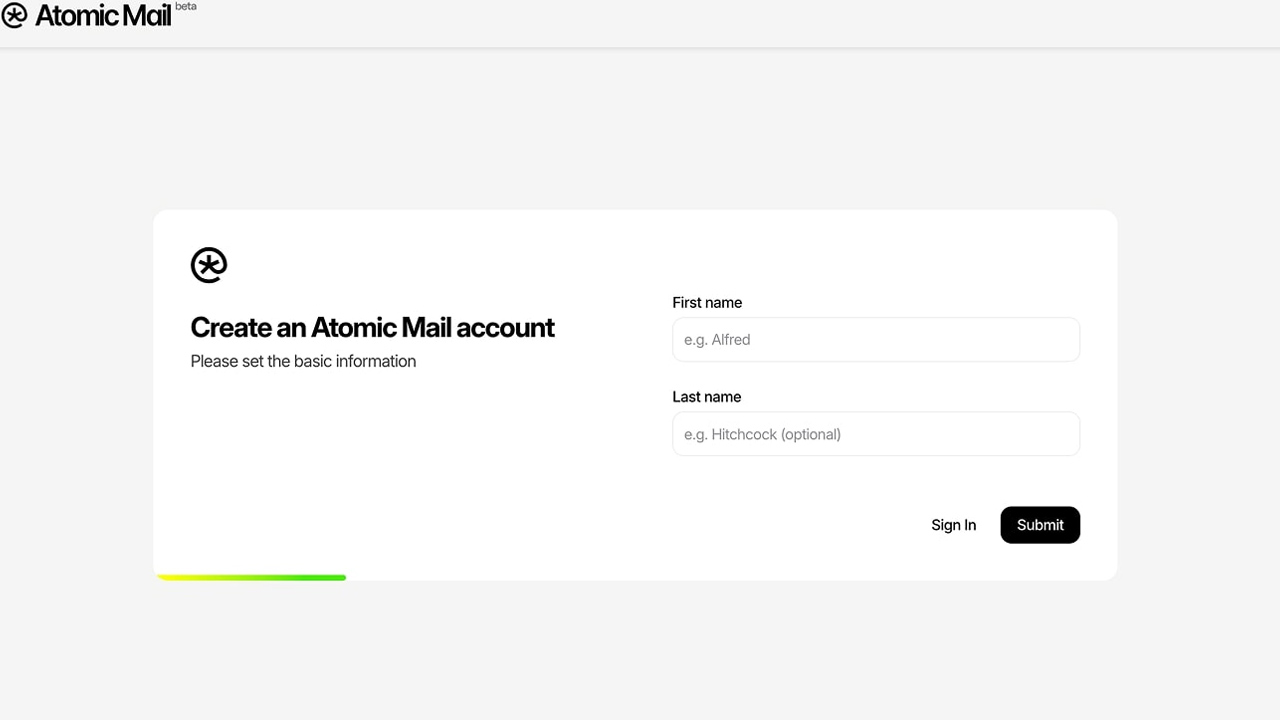
- Atomic Mail: A privacy-first service designed for anonymity, offering encrypted messages and no phone requirement.
- Disroot: An open-source platform that offers anonymity and does not require phone verification.
- Mailo: A European-based provider that offers customizable, privacy-respecting accounts
Step-by-Step: Create New Email Account Free Without Phone Number
If you want to create free email account without phone number, there are several simple and reliable methods that let you sign up using mobile settings, a browser, or alternative email providers.
Method 1: Gmail via Android/iOS Settings (Most Reliable)
This method tricks the system into treating the request as a trusted device setup, making the phone number optional.
- Open your phone’s Settings.
- Go to Accounts (or Users & Accounts) > Add Account.
- Select Google.
- Click Create account and choose "For my personal use".
- Enter your name and birthdate, then choose your new Gmail address.
- Create a strong password.
- When the "Add phone number?" screen appears, scroll down and select Skip.
- Review your account info and accept the terms.
Method 2: Create Account on Desktop (via Browser)
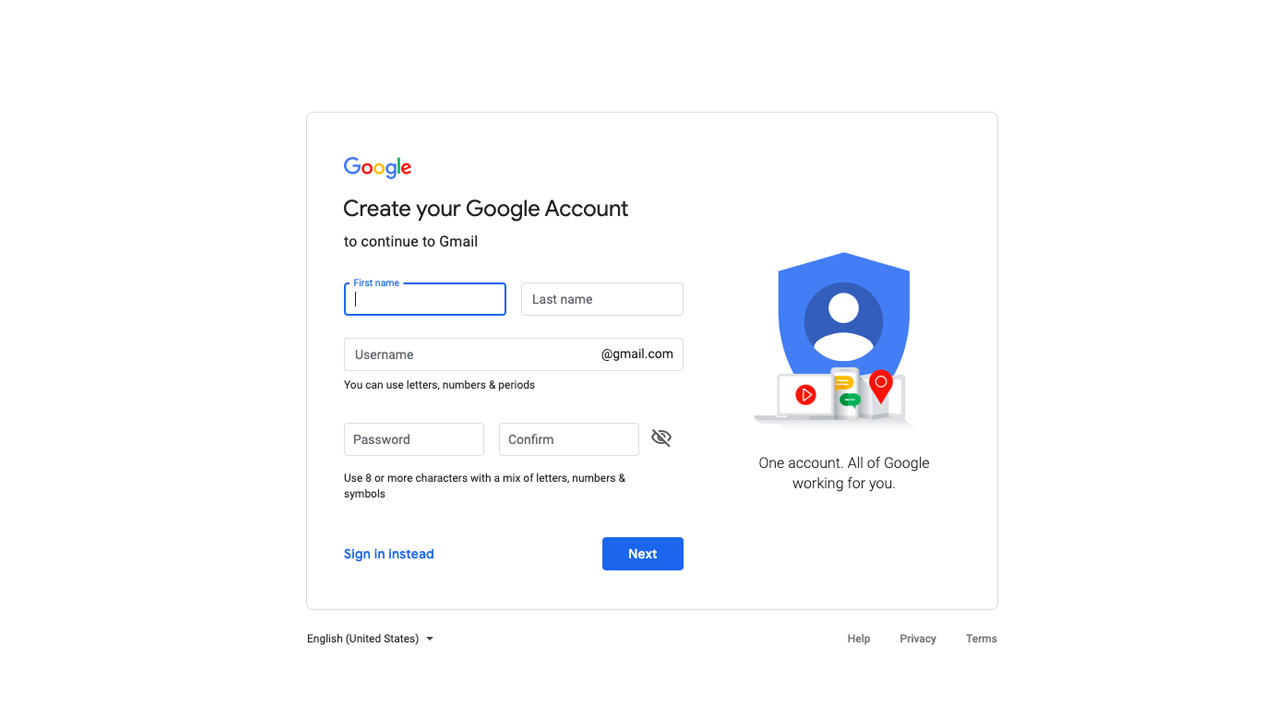
- Open a browser and go to Gmail.
- Click Create account.
- Fill in your name and birthday.
- Choose a username and password.
- When asked for a phone number, look for the Skip button at the bottom left, or leave the field blank and click "Next".
Tip: If required, try using a completely new web browser or Incognito/Private mode.
Method 3: Use Alternative Email Providers (No Phone Required)
Services like Proton and Atomic Mail provide free, secure email without requiring a phone number.
- Visit the Atomic Mail sign-up page or Proton site.
- Select the Free Plan.
- Choose your username and create a secure password.
- Complete the captcha to prove you are human.
- Set up your recovery options and finalize the account.
What Are the Risks of Creating an Email Without a Phone Number?
Creating a free email without a phone number might seem convenient, especially if you value privacy. However, skipping phone verification comes with several important risks that many users overlook.
First, accounts created without a phone number often have a lower trust score. Email providers like Google use phone verification as a key signal to confirm that you’re a real user. Without it, your account is more likely to be flagged for suspicious activity or even temporarily locked.
Another major issue is account recovery. If you forget your password or lose access, recovering your account becomes much harder without a linked phone number. In many cases, users permanently lose access simply because they don’t have enough verification data.
Additionally, new accounts without phone verification are more sensitive to behavior. Actions like sending too many emails, logging in from different locations, or using VPNs can quickly trigger security checks.
To reduce these risks, you should:
- Add a recovery email immediately
- Enable two-factor authentication (2FA) using an authenticator app
- Avoid unusual activity in the first few days
However, even with these precautions, manually creating accounts without phone verification can still be unreliable.
>>> If you want a more stable and time-saving solution, many users now choose pre-verified accounts instead of going through repeated sign-up attempts. Platforms like MegaAcc offer ready-to-use Gmail accounts with higher trust levels, helping you avoid verification issues and start using your email immediately without the usual risks.
MegaAcc: The Best Way to Get Verified Gmail Accounts Instantly
Trying to create free email without phone number can feel like an uphill battle. Google’s security AI is more advanced than ever, often flagging new signups even when you follow every trick in the book.
If you value your time and need a reliable solution, there is a better way. MegaAcc offers a professional shortcut that bypasses the "Phone Verification" wall entirely, delivering ready-to-use accounts straight to your inbox.
Why Spend Hours When You Can Get Results Instantly?
Most "hacks" to create email without phone number Gmail requirements are hit-or-miss. You might spend an hour tweaking your browser settings only to be blocked at the final step.
MegaAcc removes that frustration. We provide high-quality, pre-verified accounts that allow you to skip the manual labor and get straight to work. Whether you are a privacy-conscious individual or a marketing pro, our platform is built for you.
The MegaAcc Advantage: Why Our Accounts Last
Not all Gmail accounts are created equal. Many free "bypass" methods result in accounts that get disabled within 24 hours. At MegaAcc, we prioritize longevity:
- Instant Global Delivery: No waiting for SMS codes or cooling-off periods. Your credentials are delivered the moment you finish your order.
- High-Trust IP Creation: We use unique, high-reputation IP addresses for every account. This ensures your new Gmail has a high "trust score" from day one.
- Aged & Fresh Options: Whether you need a brand-new account or a seasoned, aged Gmail account for better deliverability, we have the stock.
- Bulk Availability: Perfect for SEO, social media management, or large-scale outreach. We can provide hundreds of accounts at a moment's notice.
Reliability You Can Trust
Security is our priority. Every account is thoroughly tested before it reaches you. Plus, we back our service with 24/7 customer support and a clear health guarantee. If an account doesn't work as promised, we make it right.
Why risk your projects on a "throwaway" account that might get locked tomorrow? Use a professional service that understands the nuances of Google’s security ecosystem.
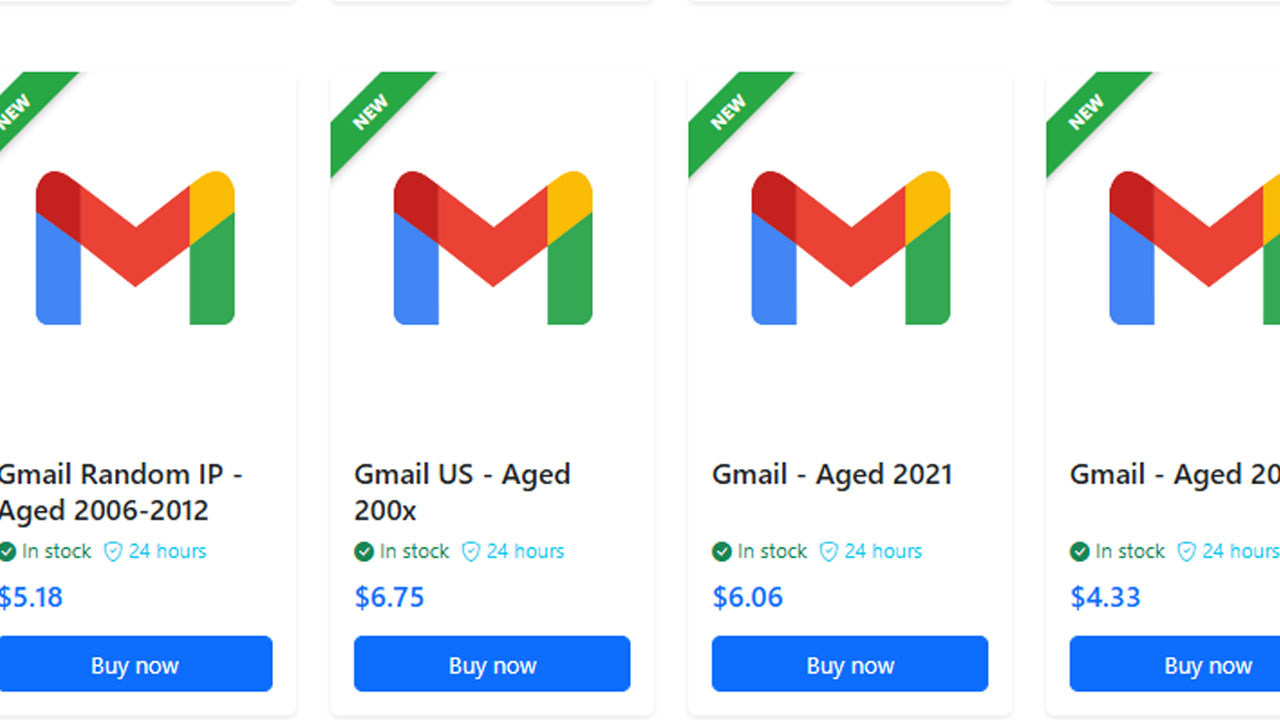
>>> Ready to get started? Log in now and access verified Gmail accounts instantly. Save time, skip the hassle, and power your projects today.
Essential Tips for Maintaining Accounts Without a Phone Number
To ensure your account doesn't get flagged or locked immediately after you create a free email without phone number verification, you need to manage it carefully.
Google and other providers use automated systems to detect "bot-like" behavior. If you skip the phone step, your account starts with a lower trust score. Following these maintenance tips will help you keep your access permanent.
Enable Alternative Two-Factor Authentication (2FA)
Just because you didn't use a phone number doesn't mean your account should be insecure. In fact, an account without a recovery number is at higher risk of being locked for "suspicious activity."
>>> For a full step-by-step setup, check out this guide: 2FA setup guide
>>> You can also explore more tools and options here: 2FA solutions
Use a Consistent IP Address
Try to use the same device and connection for the first week. If you must use a VPN, use a dedicated or static IP. Avoid public Wi-Fi or "free" VPNs that share blacklisted IP addresses with thousands of other users.
Avoid Bot-Like Activity in the First 48 Hours
When you create new email account free without phone number hurdles, your first instinct might be to start sending bulk emails or signing up for multiple services. This is a red flag.
Set a Recovery Email Immediately
Since you aren't using a phone number, a recovery email is your only lifeline if you forget your password. Use a reliable, aged email address as your backup.
>>> Looking for a permanent solution? Skip the maintenance stress and visit the MegaAcc Homepage to find fully verified, stable accounts that stay active as long as you need them.
FAQs About Create New Email Account Free Gmail Without Phone Number
Is it safe to use pre-verified Gmail accounts from MegaAcc?
Yes, using pre-verified accounts can be safe if they are created and managed properly. Reliable platforms like MegaAcc ensure that accounts are set up with stable IPs, proper activity history, and security checks. This reduces the risk of immediate suspension compared to newly created accounts without phone verification.
Why do people choose MegaAcc instead of creating Gmail accounts manually?
Creating Gmail accounts without a phone number has become increasingly difficult due to Google’s security systems. Many users experience repeated verification requests or account blocks.
Using MegaAcc helps save time and avoids trial-and-error, especially if you need accounts ready to use immediately.
Will pre-created Gmail accounts get banned quickly?
It depends on how the accounts are created and how you use them. Low-quality accounts may get flagged within hours. However, accounts from trusted sources like MegaAcc are typically created with higher trust signals, making them more stable when used correctly.
>>> Read more: How Do I Create a Free Email Account? A Complete Guide
Final Words
In summary, learning how to create free email without phone number is achievable through the right strategies and providers. While options like Gmail and privacy-focused services offer flexibility, users must remain cautious about security and account stability. By following best practices such as adding recovery options and maintaining consistent activity, you can ensure long-term usability. Ultimately, choosing the right method depends on your balance between privacy, convenience, and reliability.
________________________
Quick Access
- Sign In: https://megaacc.com/Identity/Account/Login
- Register: https://megaacc.com/Identity/Account/Register
- Product Categories: https://megaacc.com/
- Telegram Support: https://t.me/megaacc_bot
- Email Support: support@megaacc.com