









If you are asking how do I create a free email account, this guide provides a clear and efficient walkthrough for beginners. From selecting a reliable email service provider to configuring security and recovery options, you will learn the essential steps to establish a functional and secure email address. Whether for personal communication or professional use, understanding the setup process ensures seamless access, better organization, and long-term account reliability in today’s digital ecosystem.
1. How to Create a Free Email Address in 5 Minutes
If you are wondering, "how do i create a free email account," you are in the right place. This guide simplifies the process so you can get connected and organized instantly.
1.1. Step-by-Step Instructions
Setting up a new digital identity is a straightforward process that usually takes less time than brewing a cup of coffee. Follow these universal steps to get started:
Step 1: Select a Service Provider
The most popular reliable options are Gmail (Google), Outlook (Microsoft), and Yahoo Mail. Each offers a robust suite of tools like calendars and cloud storage.
Step 2: Navigate to the Sign-Up Page
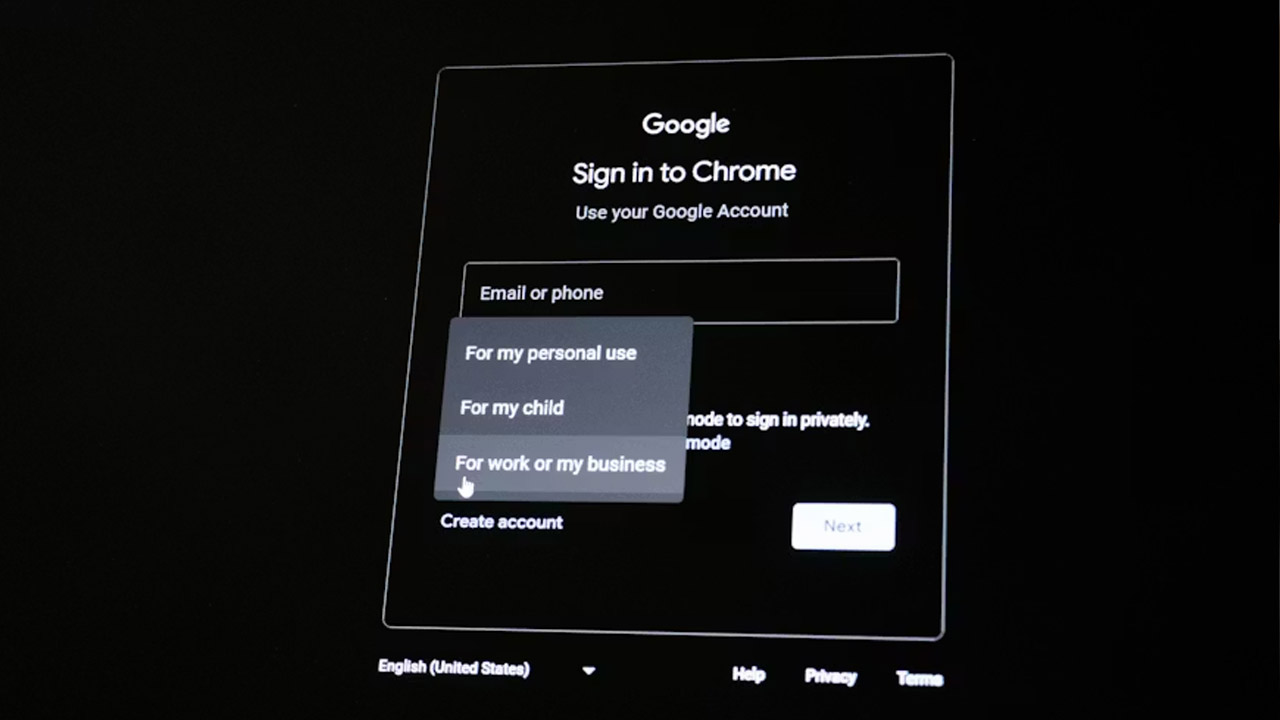
Visit the provider’s website and look for a button labeled "Create Account" or "Sign Up."
Step 3: Pick Your Username
This will be your actual email address (e.g., yourname@gmail.com). If your first choice is taken, try adding a middle initial or a professional number.
Step 4: Create a Secure Password
Use a mix of uppercase letters, numbers, and symbols. Avoid common words or birthdays to keep your data safe.
Step 5: Provide Recovery Info
Most providers ask for a mobile number or an alternative email. This is crucial for regaining access if you ever forget your password.
Step 6: Accept Terms and Verify
Review the privacy policy, click "I Agree," and complete any quick "I'm not a robot" puzzles to activate your inbox.
1.2. Mobile vs. Desktop
While the result is the same, the experience of creating an account differs slightly depending on your device:
Desktop (Web Browser)
This is often the best route if you want to carefully manage your privacy settings and organization folders from the start. The larger screen makes it easier to read the fine print and set up advanced features like email signatures or automatic forwarding.
Mobile (Smartphone/Tablet)
If you are on the go, using a dedicated app (available on the App Store or Google Play) is incredibly fast. Mobile setup often integrates directly with your phone’s biometrics (like FaceID or fingerprint) and automatically syncs your phone contacts, making it the most convenient way to stay updated with real-time push notifications.
2. Common Challenges When Creating New Email Accounts
Creating a new email account is generally straightforward, but users learning how to create a free email account often face specific hurdles related to security, technical errors, and identity verification.
2.1. Common Challenges in Account Creation
- Username Availability: Many preferred usernames are already taken or too similar to existing ones, forcing users to choose less-than-ideal alternatives.
- Phone Number Verification Limits: Providers like Google may block a phone number if it has been used to verify "too many" previous accounts.
- Security & Verification Errors: Users frequently encounter "Something went wrong" or "Too many failed attempts" messages, which often require waiting 24 hours to clear.
- Recovering Deleted Usernames: Most major providers do not permit the reuse of a deleted or disabled email address, even by the original owner.
- Connection Stability: Spotty Wi-Fi or mobile data can cause incomplete submissions or timeouts during the registration process.
2.2. Troubleshooting Tips
- Alternative Signup Paths: If a direct sign-up fails, some users find success creating an account through integrated apps like YouTube.
- Browser & Device Fixes: Clearing browser cookies, using an Incognito/Private window, or switching to a different device/network can sometimes bypass regional or IP-based blocks.
- Immediate Setup: Experts recommend setting up recovery emails and phone numbers immediately after account creation to prevent future lockouts.
>>> Struggling with account setup? Don't let technical hurdles slow you down. Once you've navigated the registration process, ensure your access is secure and ready to use. Click Sign In to Your Account to access your dashboard and manage your settings instantly.
3. Skip the Setup Hassle with Premium Gmail Solutions from MegaAcc
Creating a single email is easy, but managing high-volume outreach or professional marketing often requires more than just a basic setup. If you find yourself stuck behind phone verification loops or registration limits, MegaAcc offers the perfect shortcut.
As a leading provider of high-quality, verified Gmail accounts, MegaAcc ensures you skip the tedious manual process and get straight to work. Every account from MegaAcc is crafted with longevity in mind, using unique IPs and rigorous quality checks to guarantee high trust scores.
Whether you need aged account for better deliverability or bulk profiles for business expansion, our platform provides secure, ready-to-use solutions that manual registration simply can't match. Trust in a service that prioritizes your privacy and professional growth.
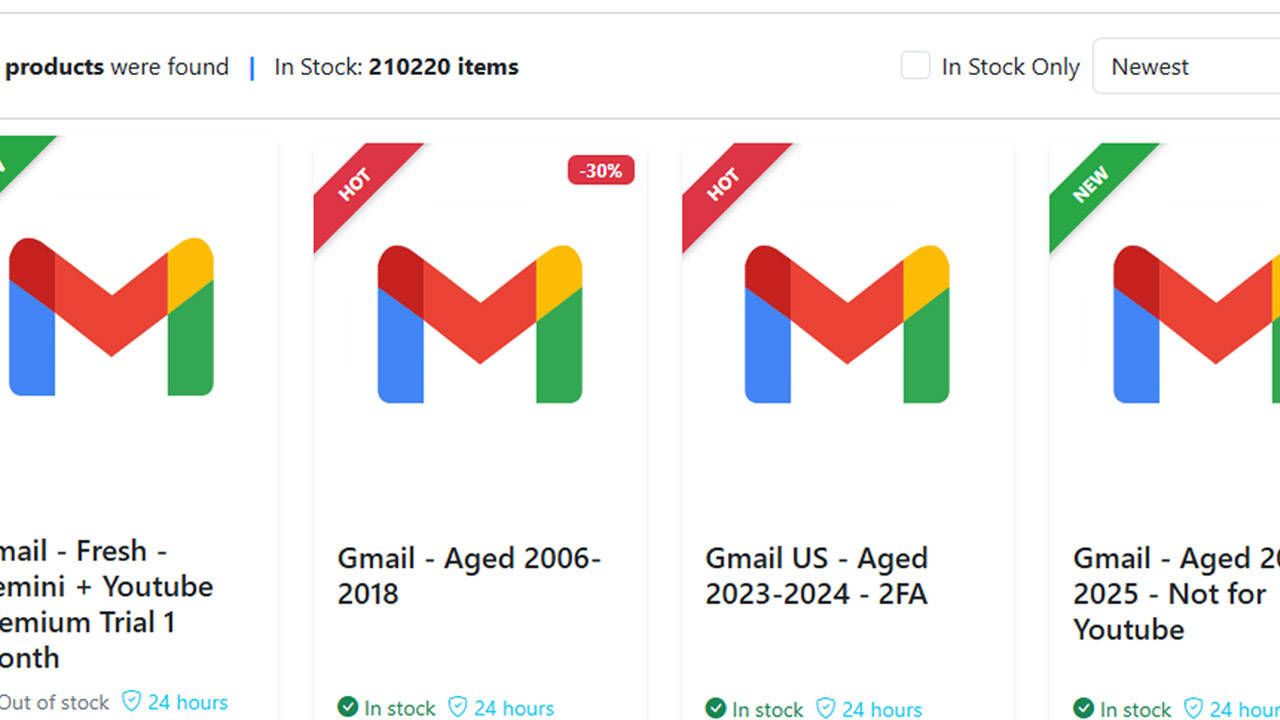
>>> Need a reliable foundation for your digital presence? Browse our selection of high-quality Gmail accounts to save time and boost your outreach today.
4. Frequently Asked Questions About How To Create A Free Email aAddress
4.1. Can I have multiple free email accounts?
Yes, you can have as many email accounts as you need. Many people maintain separate addresses for personal use, work, and online shopping to stay organized and reduce the risk of their primary inbox being flooded with marketing spam.
4.2. Do I need a phone number to create a free email account?
While many providers like Gmail and Outlook request a phone number to verify you are a real person and to assist with account recovery, it is often not strictly mandatory. Some services, such as Proton Mail, allow you to sign up using a CAPTCHA or an existing email address instead.
4.3. Is it possible to get a professional Gmail address for free?
Yes, you can create a standard @gmail.com address for free. However, for a truly professional look, businesses often seek aged or high-authority accounts. MegaAcc specializes in supplying premium Gmail accounts that have a higher trust rating than a brand-new "free" account, making them ideal for professional outreach and marketing campaigns.
4.4. How many free email accounts can I manage at once?
While you can technically create multiple accounts, providers often flag several registrations from the same IP address. To avoid being blocked, many users turn to MegaAcc to acquire a bulk set of accounts created from diverse, clean IPs.
>>> Read more: How to Get a Free Email Address: Step - By - Step
Final Words
Understanding how do I create a free email account is a fundamental step in building your digital presence. By following structured steps and applying basic security practices, you can quickly establish a reliable communication channel. Whether for personal or professional purposes, a properly configured email account enhances productivity, accessibility, and data security, ensuring you stay connected and organized in an increasingly digital environment.
________________________
Quick Access
- Sign In: https://megaacc.com/Identity/Account/Login
- Register: https://megaacc.com/Identity/Account/Register
- Product Categories: https://megaacc.com/
- Telegram Support: https://t.me/megaacc_bot
- Email Support: support@megaacc.com