








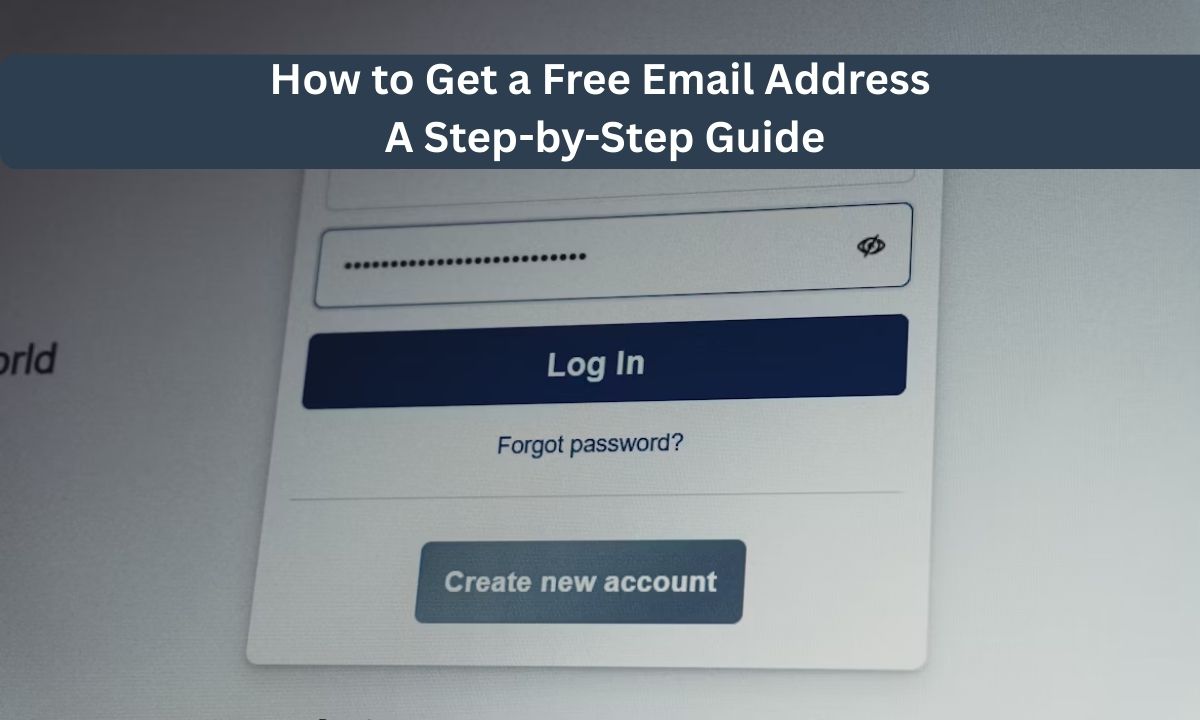
Understanding how to get a free email address is essential in today’s digital ecosystem, where communication, authentication, and online identity rely heavily on email access. This guide provides a concise overview of the registration process, highlights leading free email service providers, and explains key considerations such as security, usability, and integration. Whether for personal or professional use, choosing the right platform ensures efficient communication and long-term reliability without incurring additional costs.
1. Why You Need a Reliable Free Email Account
In today’s digital world, a reliable free email account is your primary passport to the internet. Whether you are signing up for social media, managing bank accounts, or applying for jobs, having a dedicated and secure inbox ensures you never miss critical updates or security alerts.
Security is another major reason to Umm prioritize reliability. Top-tier providers offer robust spam filters and advanced encryption that protect your personal data from hackers. If you are wondering how to get a free email address that stays safe, choosing an established provider with a proven track record is the best way to safeguard your digital identity.
Finally, a dependable email service offers seamless integration with other essential tools like cloud storage and calendars. This connectivity helps you stay organized and professional without any monthly costs. By selecting a reputable platform, you gain a powerful workspace that grows with your personal and professional needs.
2. How to Get a Free Email Address? Top Free Email Service Providers
To get a free email address, simply visit the website of a chosen provider and sign up by providing basic information, such as your name and a preferred username. In today, many reliable services offer free accounts with generous storage and advanced security features.
2.1. Gmail: Best for Usability and Integration
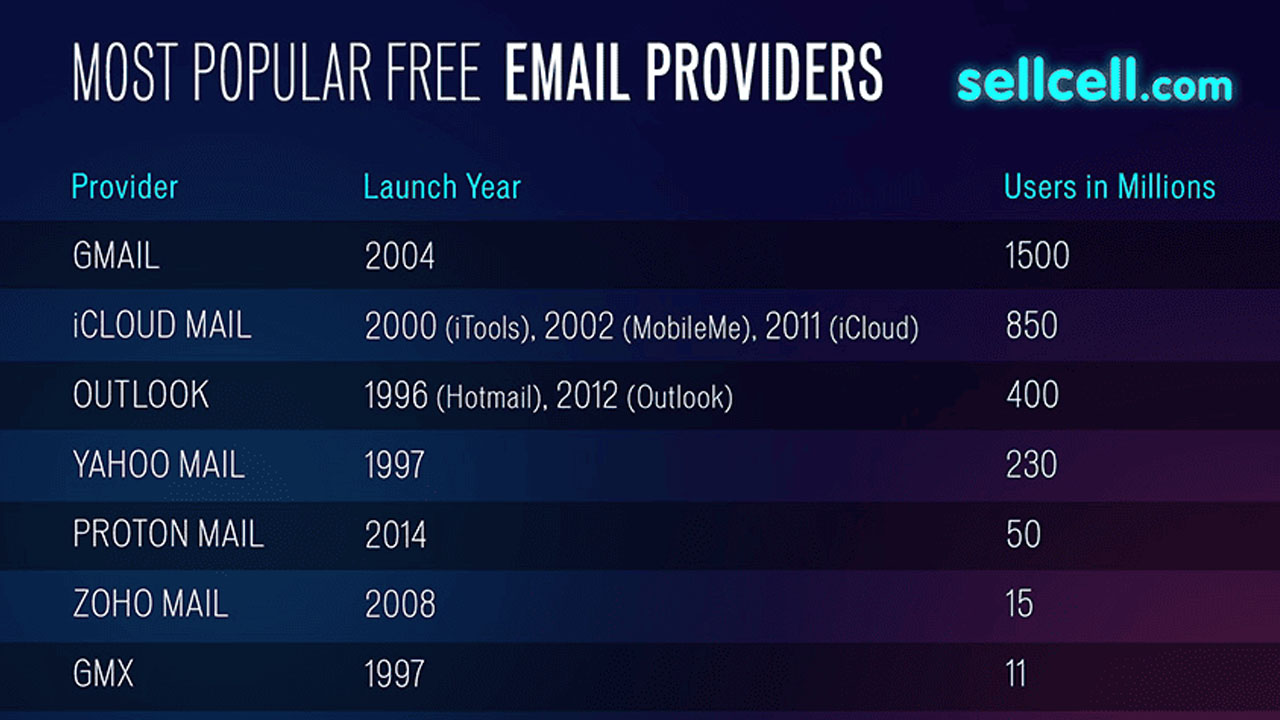
Gmail is the most popular free email provider globally, used by over 1.8 billion people in 2026. It offers 15 GB of free storage shared across Google Drive and Photos. Users benefit from advanced AI features like Smart Compose, top-tier spam filtering, and seamless integration with the Google Workspace ecosystem.
2.2. Microsoft Outlook: Best for Professional Productivity
Formerly Hotmail, Microsoft Outlook is a powerful choice for those who frequently use Office tools like Word and Excel. The free plan provides 15 GB of email storage and includes a Focused Inbox to prioritize important messages. It is highly regarded for its built-in calendar and task management features on Outlook.com.
2.3. Proton Mail: Best for Privacy and Security
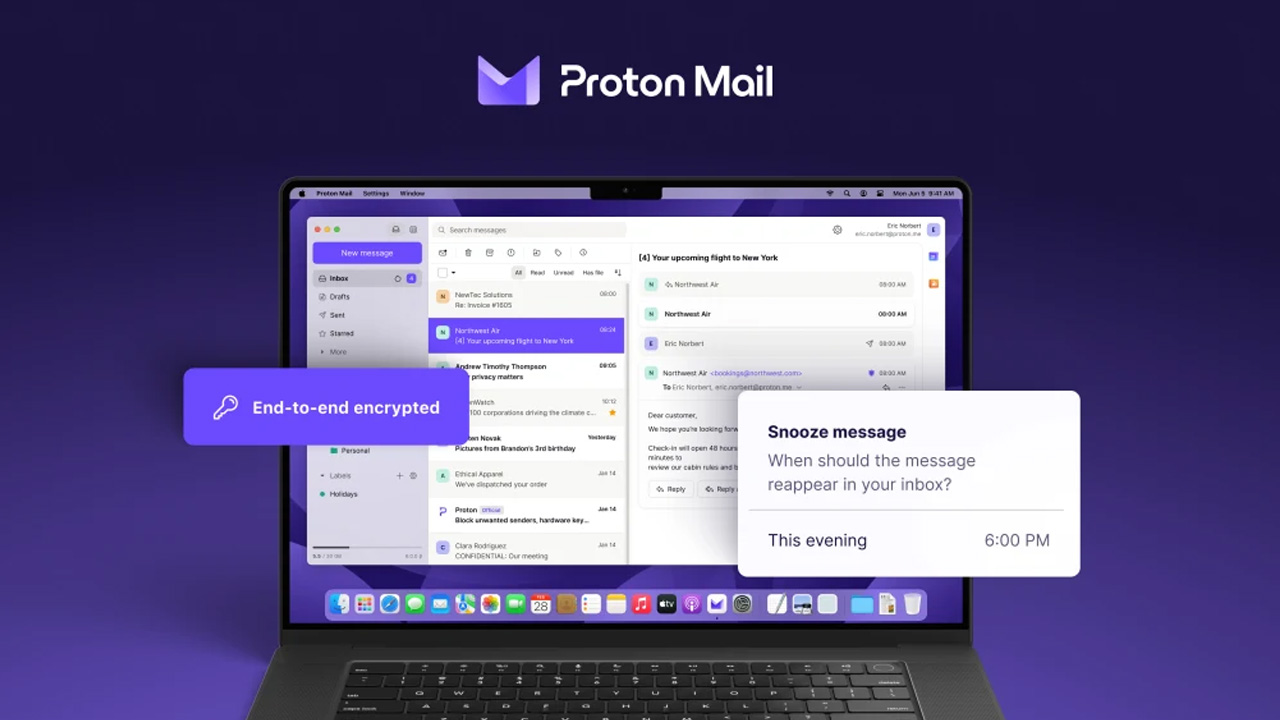
Based in Switzerland, Proton Mail is the gold standard for security, offering end-to-end encryption by default. Unlike mainstream providers, it does not track users or show ads, ensuring that even the provider cannot read your messages. The free plan on Proton.me typically includes 1 GB of storage and essential privacy tools.
2.4. Yahoo Mail: Best for High Storage Needs
Yahoo Mail is a long-standing provider ideal for users who want to avoid deleting emails, offering 20 GB of free storage as of 2026. It features a clean interface with helpful tools like one-click unsubscribe for newsletters and disposable email addresses to protect your identity. You can sign up at Yahoo Mail for a simple, storage-heavy experience.
2.5. Zoho Mail: Best for Small Teams and Startups
Zoho Mail stands out by offering an ad-free experience even on its free tier—ideal if you're wondering how do I get a free email address, with support for up to five users using a custom domain. It provides 5 GB of storage per user and integrates tightly with the broader Zoho business suite, making it a strong choice for a professional, ad-free setup.
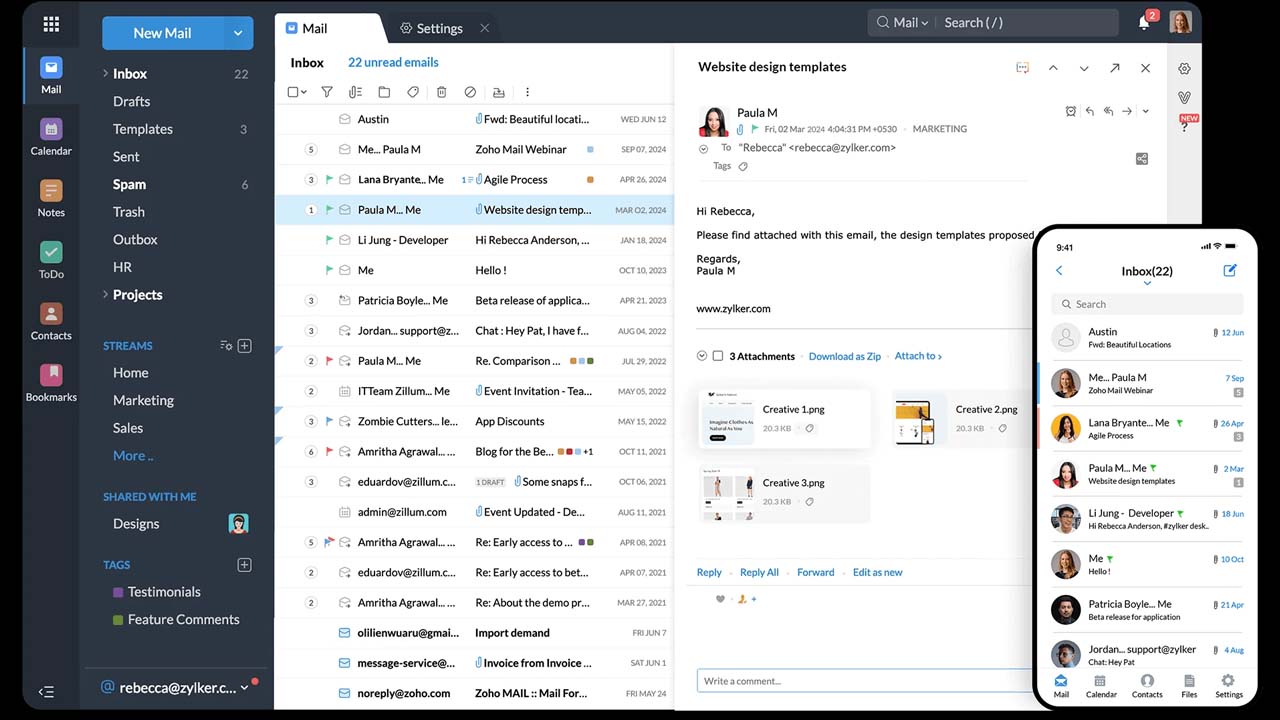
3. How Do You Get a Free Email Address? The Setup Process
Setting up a free email address is a straightforward digital task that typically takes less than five minutes. If you're wondering how can I get a free email address, the process is simple and similar across major providers. While specific interfaces vary, the core steps remain consistent when establishing your new inbox.
3.1. Step 1: Visit the Provider’s Website
To begin, open your web browser and navigate to the official site of your chosen service, such as Gmail, Outlook.com, or Proton Mail. Look for a prominent button labeled "Create account," "Sign up," or "Get started". Most providers will ask right away if the account is for personal use, a child, or work/business; select the option that fits your needs to ensure you get the correct set of features.
3.2. Step 2: Provide Basic Personal Information
Once you initiate the signup, you will be prompted to enter your first and last name. Some services, including Google and Yahoo, also require your date of birth and gender to verify that you meet the age requirements for an account (usually 13 years or older). This information is also used to help recover your account if you are ever locked out.
3.3. Step 3: Choose Your Unique Username
This is the most critical step: creating your actual email address (e.g., yourname@gmail.com). You must enter a unique username that hasn't already been claimed by another user. If your first choice is taken, the system will often suggest available alternatives by adding numbers or middle initials. It is best to keep this simple and professional, as this is how others will identify you.
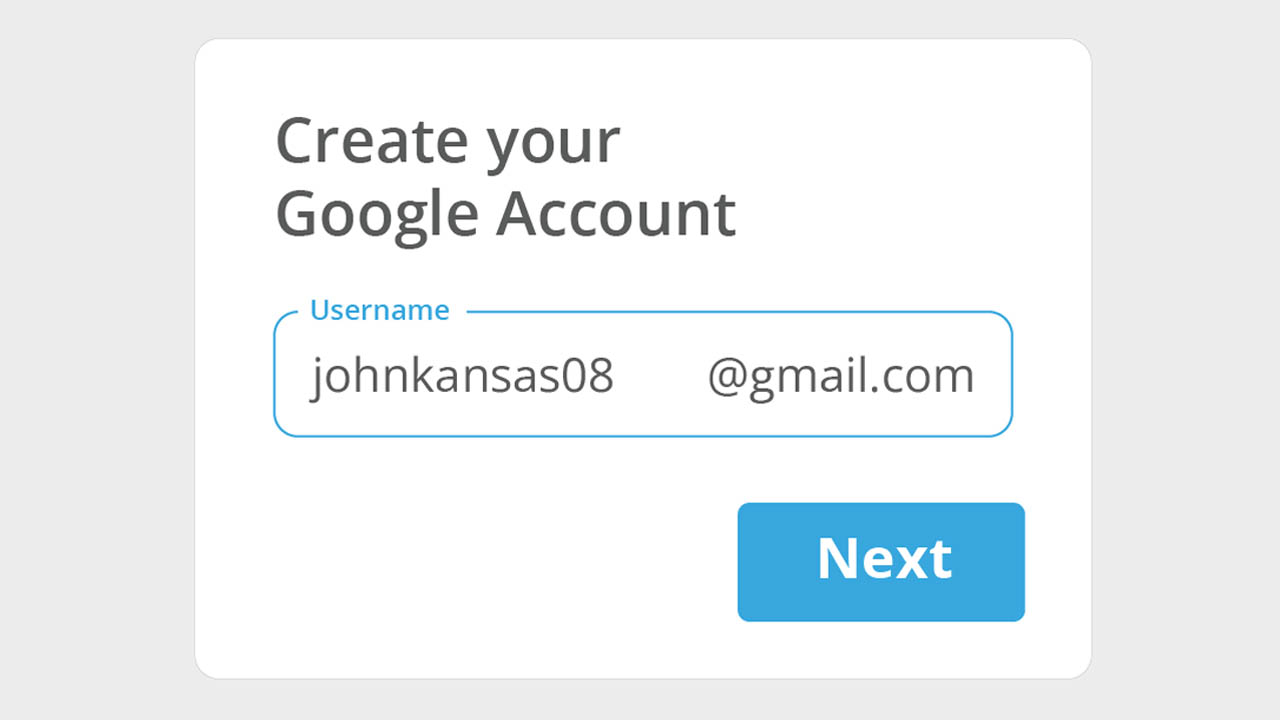
3.4. Step 4: Create a Strong Password
Security is paramount, so you must create a strong, unique password that is difficult for others to guess. Most providers require a minimum of eight characters and recommend a mix of uppercase and lowercase letters, numbers, and symbols. You will typically need to enter the password twice to confirm there are no typos.
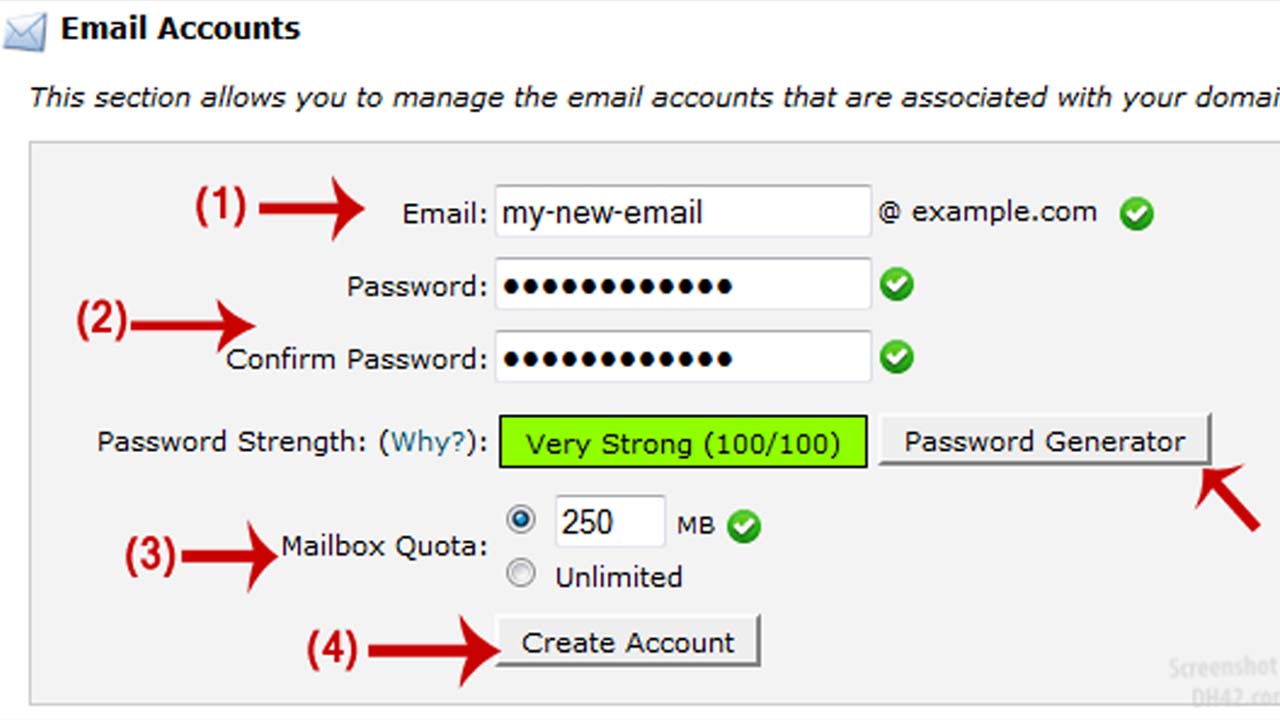
3.5. Step 5: Verify Your Identity and Finish Setup
To prevent automated spam accounts, most services require verification via a mobile phone number or an existing alternative email address. You will receive a six-digit code via SMS or email that you must enter to finalize the process. Finally, you must review and click "I agree" on the Terms of Service and Privacy Policy to activate your new inbox.
4. Why Choose MegaAcc for Gmail Accounts?
MegaAcc provides pre-configured Gmail accounts designed for professionals who need bulk or specialized access. These services bypass the manual setup process, offering immediate solutions for business and marketing needs.
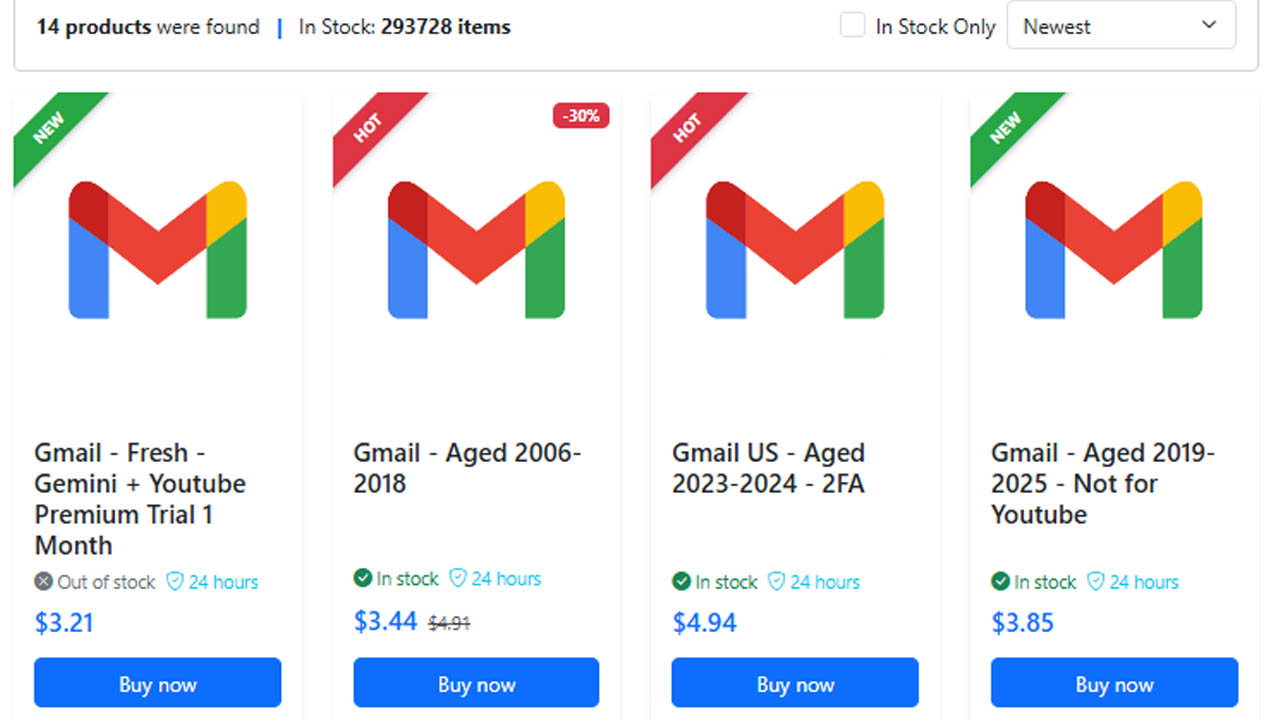
4.1. High-Quality Aged Accounts
MegaAcc offers aged accounts that have existed for months or years. These are often more resilient than brand-new accounts, as they are less likely to be flagged by security filters during high-volume outreach or professional campaigns.
4.2. Verified for Immediate Use
Every account is Phone Verified (PVA), meaning the identity checks are already completed. This allows you to skip the tedious process of providing multiple private phone numbers and start using your new inboxes the moment you receive the login details.
4.3. Enhanced Account Security
Security is a priority, with accounts featuring pre-set recovery emails and compatibility with two-factor authentication (2FA). This ensures that your business data remains protected even when multiple team members are accessing the same account set.
4.4. Scalability for Bulk Needs
MegaAcc is built for scalability, allowing you to purchase dozens or hundreds of accounts in a single transaction. This is a massive time-saver for startups and agencies that need to manage large-scale customer support or complex email marketing structures.
4.5. Global Reliability
These accounts are designed for global functionality, reducing the risk of geographic blocks or login issues across different regions. MegaAcc also provides dedicated support to help troubleshoot setup, ensuring your communication channels stay active and reliable.
>>> Access your MegaAcc dashboard instantly to manage and deploy your Gmail accounts with ease. Stay in control of your resources, streamline your workflow, and ensure uninterrupted operations by using the secure portal. Click Sign in to get started.
5. Common FAQs About Getting an Email Address for Free
5.1. Is a Free Email Truly Free?
While you don't pay money, most providers use a data-exchange model. Giants like Google and Yahoo may analyze anonymized data from your emails to serve personalized ads. If you prefer absolute privacy, providers like Proton Mail offer free tiers that do not track your data, instead of funding their service through paid "Pro" subscribers.
5.2. Can I have two Gmail email addresses?
Yes, you can have multiple Gmail accounts, and it's easy to sign in to them at once on the same device to switch between them, often for separating work from personal use or other purposes, with a limit of about four accounts per phone number for verification, though you can create more by using different numbers.
5.3. Can I Get an Email Without a Phone Number?
While major services like Gmail and Outlook almost always require a phone number for bot protection, some privacy-focused providers do not. Services like Proton Mail and Mail.com often allow account creation using only a CAPTCHA or a secondary recovery email address.
5.4. How Do I Recover My Account if I’m Locked Out?
Recovery is a self-service process; providers rarely offer live phone support for free accounts. To regain access, you must use the Google Account Recovery or similar tools provided by your host. This typically requires access to the recovery phone number or secondary email you provided during setup, highlighting why keeping that info updated is critical.
Final Words
In summary, learning how to get a free email address is a fundamental step toward establishing a secure and functional online presence. By selecting a reputable provider and following a structured setup process, users can benefit from advanced features, strong data protection, and seamless integration with digital tools. A well-chosen free email account not only supports daily communication but also enhances productivity and safeguards personal information in an increasingly connected environment.
>>> If you're ready to streamline your workflow and manage your accounts more effectively, you can sign in to your dashboard to get started instantly. From there, you’ll be able to organize, access, and deploy your email resources with full control and convenience.
________________________
Quick Access
- Sign In: https://megaacc.com/Identity/Account/Login
- Register: https://megaacc.com/Identity/Account/Register
- Product Categories: https://megaacc.com/
- Telegram Support: https://t.me/megaacc_bot
- Email Support: support@megaacc.com