










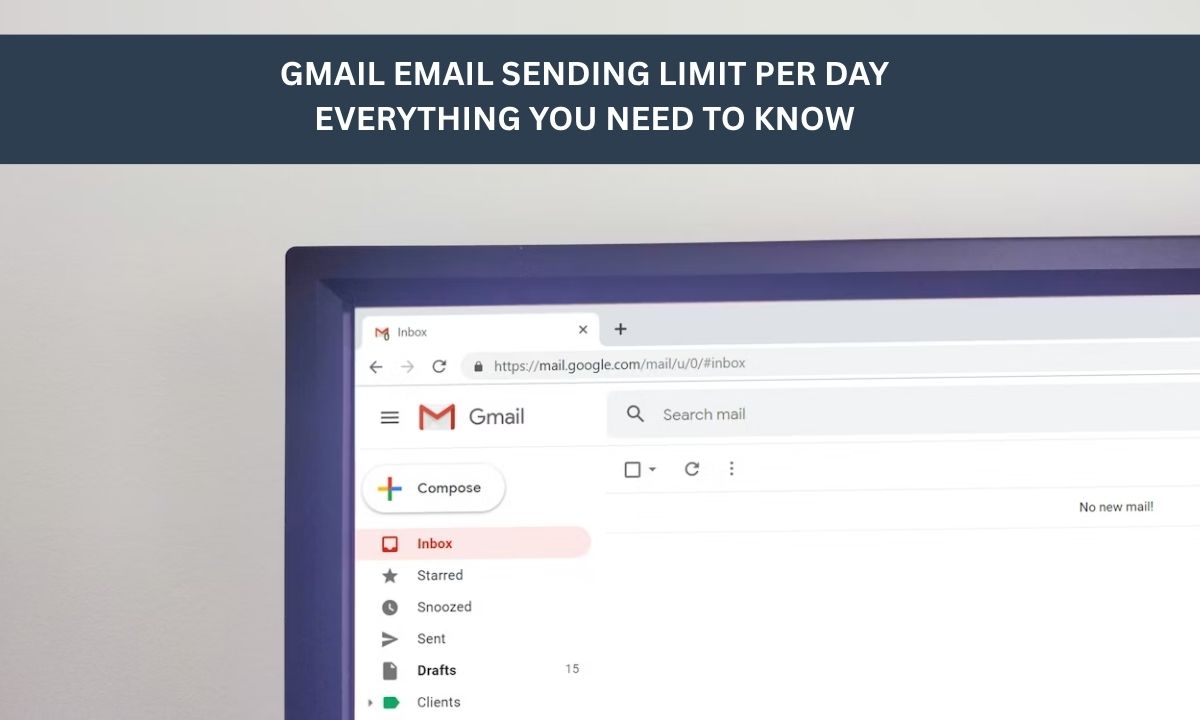
Understanding the gmail email sending limit per day is essential for anyone using Gmail for personal or business communication. Google applies strict daily limits to prevent spam and protect users, which can affect how many emails you can send within 24 hours. These limits vary between personal Gmail accounts and Google Workspace users. In this article, we break down the exact sending caps, how they work, and what factors may influence your ability to send emails consistently and safely.
1. Understanding Your Gmail Daily Email Limit: Personal vs. Workspace
To maintain a secure environment, Google enforces a specific gmail email sending limit per day. Understanding these restrictions is vital for anyone using personal or professional accounts for high-volume communication.
1.1 Gmail limit for sending mail for personal accounts
If you use a standard @gmail.com address, your gmail limit for sending mail is 500 messages per day. It is important to remember that this is a rolling 24-hour window, not a fixed reset at midnight.
If you hit the ceiling at 4:00 PM, you won't be able to send again until the same time the next day. Furthermore, every address in the CC or BCC fields counts as an individual email toward your total daily quota.
1.2 Gmail daily send limit for Google Workspace
For professional users, the gmail daily send limit increases significantly to 2,000 emails per 24-hour period. However, if you are on a Google Workspace trial account, your limits may be much lower until you have built a payment history.
When using "multi-send mode" for newsletters, Google counts each recipient individually, which can quickly exhaust your limit for sending emails on gmail if your mailing list is large.
>>> Trying to scale your outreach without hitting a wall? Explore high-limit Gmail accounts at MegaAcc to boost your sending capacity today.
2. Why Is There a Gmail Limit for Sending Mail and How Does It Work?
While the theoretical gmail limit for sending mail is 500 for personal accounts and 2,000 for Workspace, the "safe" number is often much lower.
For cold outreach, industry experts recommend staying below 50 emails per day to avoid permanent bans or being flagged as a spammer. Consistently hitting your maximum recipient limit or receiving high spam complaints can lead to account suspension lasting from 1 to 24 hours.
2.2 The difference between sending limits and velocity
It is possible to trigger a block before hitting your daily cap if your velocity, or sending speed is too high. Blasting 100 emails in 10 minutes doesn't look like human behavior, often resulting in an undocumented hourly throttle of roughly 20 emails per hour. To maintain a high gmail daily send limit, it is better to drip-send messages steadily throughout the day rather than in one sudden burst.
2.3 Factors that lower your gmail daily email limit
Your actual email limit for gmail is dynamic and can be pulled down by negative signals. High bounce rates (sending to invalid addresses) are a major red flag, as they signal poor list hygiene.
Low engagement, such as recipients marking your messages as spam or failing to open them, further damages your sender reputation, leading Google to tighten your specific gmail limits on sending email.
2.4 New account warming for Gmail limits
You cannot hit the maximum gmail email sending limits on day one of a new account. Fresh accounts start with a much lower "eash, sometimes as few as 10–20 emails, and must be gradually warmed up over 2–4 weeks to build the reputation needed to reach higher caps.
For new Google Workspace domains, you may even be restricted to 500/day until you have paid at least $100 and 60 days have passed.
 3. How to Bypass Your Gmail Daily Send Limit for High-Volume Outreach
If your business needs exceed the standard gmail email sending limit per day, you need a strategic approach to bypass restrictions without triggering security filters. By optimizing your sending habits and account structure, you can scale your volume safely and effectively.
3.1 Gmail limits on sending email: best practices for power users
To maximize your gmail limits on sending email, you must prioritize quality over quantity. Always use professional mail merge tools that allow for custom variables, ensuring each message is unique and less likely to be flagged as bulk spam.
Furthermore, cleaning your lead lists with verification tools is essential to prevent high bounce rates, which can instantly lower your limit for sending emails on gmail.
3.2 Spacing out your sends to mimic human behavior
Automated systems often trigger a block by sending too many messages at once. To protect your gmail daily send limit, configure your outreach software to space out deliveries by several minutes.
By simulating natural human behavior, sending throughout the day rather than in a single burst, you maintain a healthier sender reputation and ensure your messages consistently reach the primary inbox.
3.3 When a single account isn't enough
When you reach the absolute ceiling of the gmail limit for sending mail, the most effective strategy is horizontal scaling. Instead of pushing one account to its breaking point, power users distribute their volume across multiple accounts.
This approach ensures that if one account faces a temporary throttle, your entire campaign doesn't come to a halt, allowing for much higher cumulative daily volume.
3.4 Why account age and reputation matter more than the daily limit
Aged Gmail accounts are significantly more resilient than new ones when it comes to the gmail daily email limit. Google trusts accounts with a long history of natural activity and positive engagement.
An older, warmed account can often handle higher velocity and more outbound messages than a fresh account, making account "seniority" a critical asset for any serious email marketer.
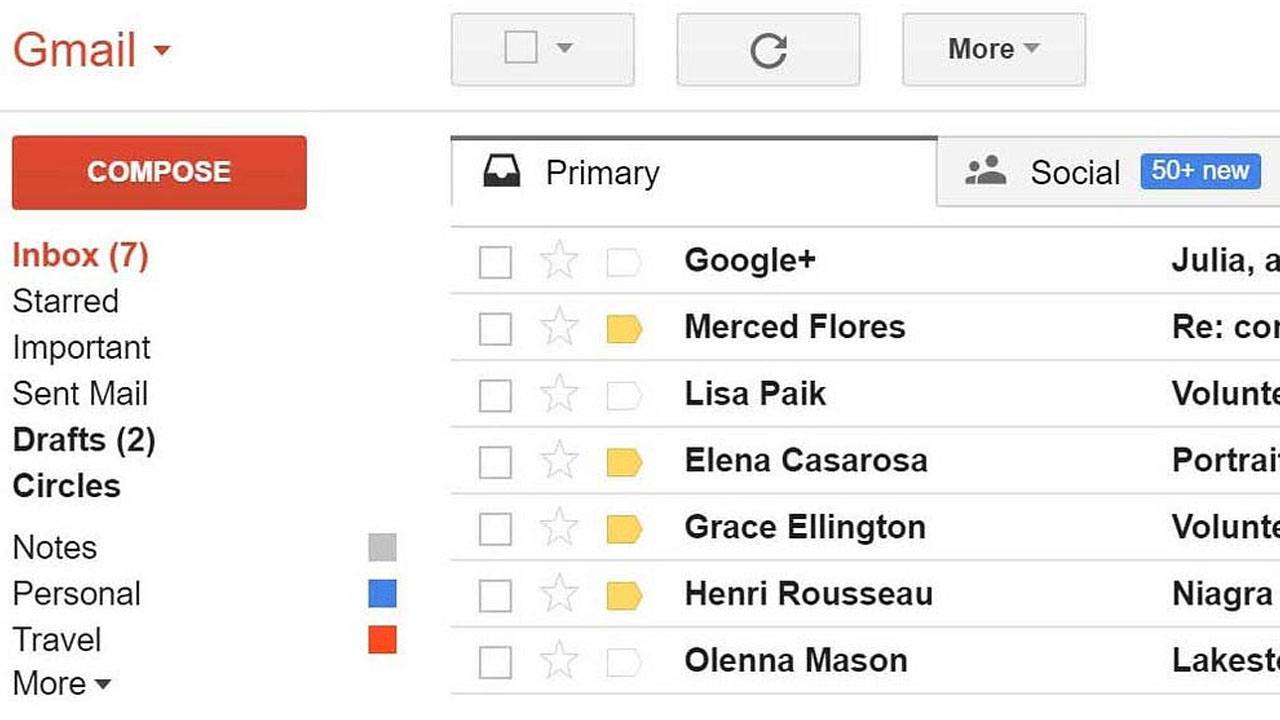
>>> Fresh accounts are a gamble; Aged accounts are a strategy. Want to mimic human behavior? Start with an account that has a human history. MegaAcc provides Aged Gmail from 2019-2025, allowing you to bypass technical hurdles with the seniority your business deserves.
4. Scaling Your Outreach With MegaAcc
When your communication needs surpass standard limits, MegaAcc provides the professional infrastructure required to grow. We specialize in providing reliable account solutions that help you maintain consistent outreach without technical interruptions.
4.1 High-quality Gmail accounts for professionals
MegaAcc is a leading provider of aged, Phone Verified (PVA), and high-authority Gmail accounts. Unlike new profiles that are often restricted, our accounts come with an established history.
This helps you manage the gmail email sending limit per day more effectively, providing the stability needed for marketing agencies and sales teams to reach their audience reliably.
4.2 Trust signals and product quality
Choosing MegaAcc means prioritizing account longevity and security. We offer 24/7 support and instant delivery to keep your operations running smoothly.
Our warmed accounts are carefully handled, making them much less likely to trigger a limit for sending emails on gmail compared to bulk, bot-created alternatives. This focus on quality protects your reputation and ensures better delivery rates.
4.3 Customer benefit: stop the shadow-banning cycle
Building account authority from scratch is a slow, risky process. By using MegaAcc’s established profiles, you avoid the frustration of shadow-bans and the strict new account filters that often lower the gmail daily send limit.
Our service allows you to skip the weeks of manual warming and start your professional outreach with the trust and authority that platforms recognize.
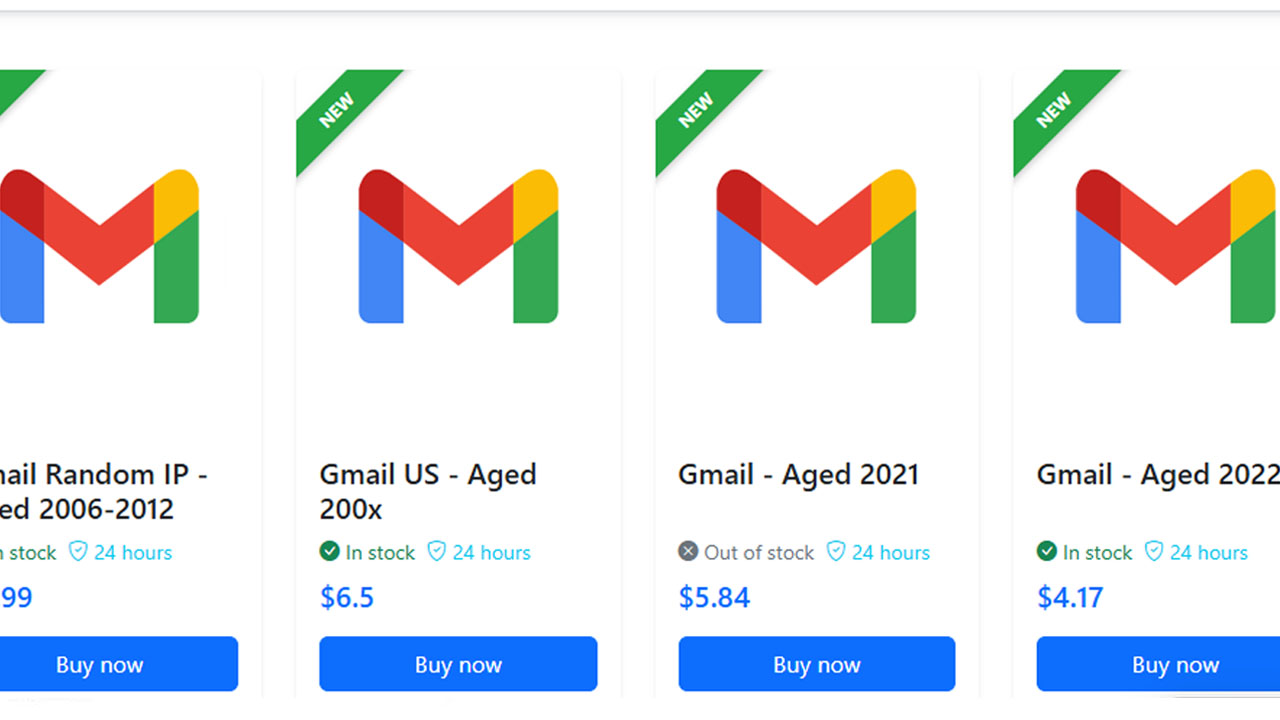
>>> Don't let a single blocked account stall your business. Get our Premium Aged Gmail Account - High Reputation and start sending with confidence today.
5. Frequently Asked Questions About Gmail Limits on Sending Email
5.1 What happens if I exceed the gmail email sending limits?
If you violate these caps, Google will typically suspend your ability to send new messages for 1 to 24 hours. While you can still receive incoming mail and access other Google services, repeat offenses can lead to longer restrictions or even permanent account suspension.
5.2 Does the gmail daily send limit include internal emails?
Yes, for Google Workspace users, all outgoing messages count toward your limit, including those sent to other people within your own organization. This also includes replies, forwards, and even automated vacation responders.
5.3 How can I check how many emails I've sent today?
Gmail does not provide a built-in sent counter, so the best way is to manually check your "Sent" folder. You can search with a date filter like in:sent after:YYYY/MM/DD to see how many messages you have fired off within the last 24 hours to monitor your email limit for gmail.
5.4 How many emails can I send at once in Gmail per day?
As explained above, if you have a regular Gmail account, you can send up to 500 emails per rolling 24 hours. If you have a Google Workspace account (formerly G Suite), you can send up to 2,000 emails per rolling 24 hours. Here's a guide to Gmail's official sending limits.
>>> Read more: Merging Email Accounts: The Complete Guide to Combining Inboxes
Final Words
Knowing the gmail email sending limit per day helps you manage communication effectively and avoid unexpected sending restrictions. By understanding how Gmail’s limits work and following safe sending practices, you can maintain a healthy sender reputation and ensure reliable email delivery. Whether for personal use or business outreach, staying within these limits is key to consistent performance and avoiding account issues and maintaining long-term account stability for consistent email success.
________________________
Quick Access
- Sign In: https://megaacc.com/Identity/Account/Login
- Register: https://megaacc.com/Identity/Account/Register
- Product Categories: https://megaacc.com/
- Telegram Support: https://t.me/megaacc_bot
- Email Support: support@megaacc.com