










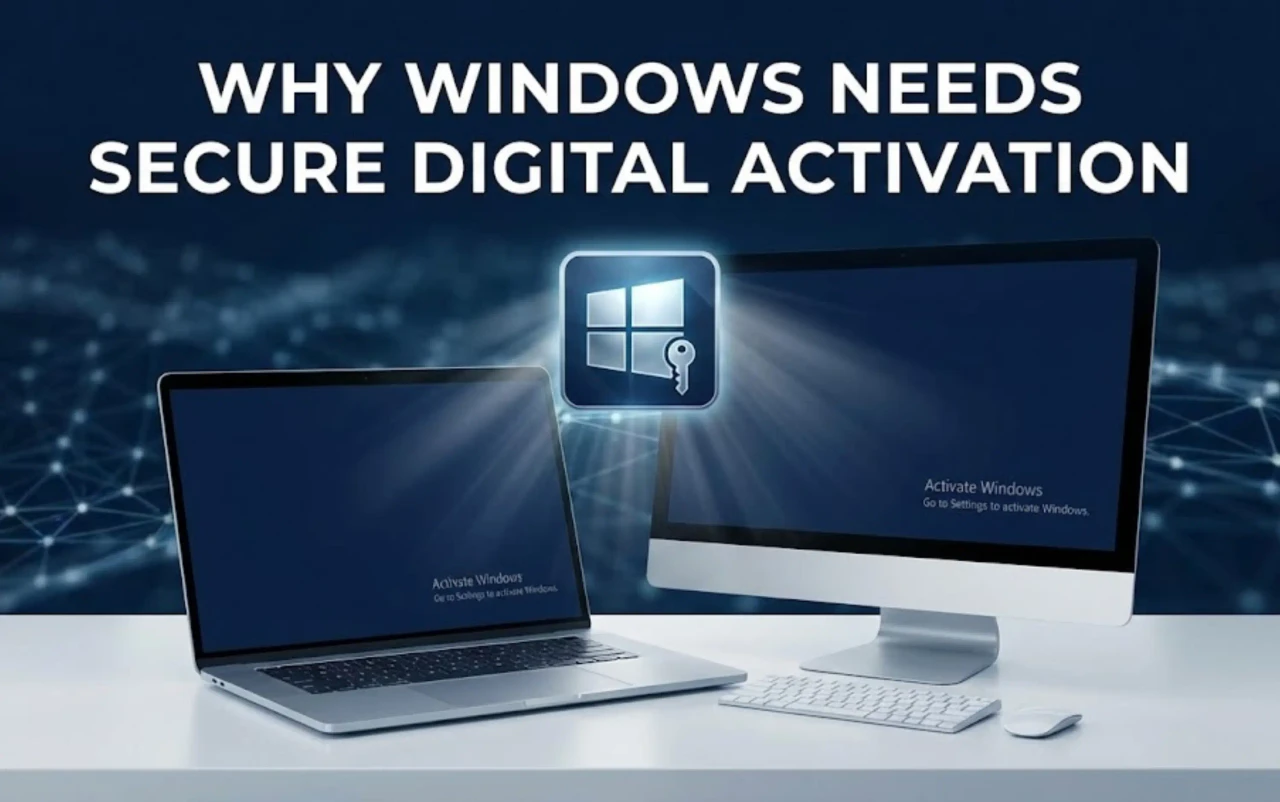
When you see “Activate Windows” faintly printed in the corner of your screen, your system is telling you something fundamental:
Windows is installed — but not trusted yet.
Behind that simple watermark is a complex licensing system that determines whether your operating system is genuine, secure, and eligible for updates.
While the interface looks identical between activated and unactivated versions, the underlying behavior of Windows changes dramatically once activation is confirmed.
In this section, we’ll dive into how Windows activation works, why it’s required, what happens when it’s missing, and what causes the most common activation failures.
1. Understanding Windows Activation and Why It Matters
Windows activation is more than a serial number — it’s Microsoft’s handshake verifying authenticity.
Each time you install or reinstall Windows, the system creates a hardware ID unique to your motherboard, CPU, and storage.
This ID is then compared to Microsoft’s activation servers using a Windows Activation Key, ensuring your copy is legitimate.
1.1 What Is a Windows Activation Key
A Windows Activation Key (also called a Windows license key) is a 25-character alphanumeric code such as:
XXXXX-XXXXX-XXXXX-XXXXX-XXXXX
This key represents proof of ownership. When entered, Windows sends an encrypted request to Microsoft’s licensing servers, containing:
- Your version and edition (Home / Pro / Enterprise).
- Hardware hash of the current device.
- Region and installation ID.
Once validated, Microsoft stores your hardware hash as activated hardware.
Even after reinstalling, Windows recognizes your machine and stays activated automatically, as long as hardware hasn’t changed drastically.
Benefits of a genuine key:
- Long-term activation persistence (no need to reactivate).
- Full system personalization and dark-mode access.
- Continuous updates including Defender, drivers, and security patches.
Without it, your Windows copy is considered “unlicensed” and operates under restricted mode.
1.2 Why Windows Requires Activation
From Microsoft’s standpoint, activation serves three essential purposes:
- License integrity: It ensures each product key is used within its allowed scope (OEM, Retail, or Volume).
- Security assurance: Prevents modified or tampered builds that could inject malware or disable Defender.
- Update control: Guarantees that your device receives only verified updates compatible with its edition.
Think of activation as identity verification for your operating system.
It tells Microsoft’s cloud that your device is a real user, not a cloned installation from unauthorized media.
There are three legitimate activation key types:
|
|
|
|
|
|
|
|
|
|
|
|
|
|
|
|
|
|
|
|
Understanding these distinctions prevents common windows activation error codes that occur when users try to activate with the wrong key type.
1.3 What Happens When Windows Is Not Activated
Running Windows without activation might seem harmless at first — the desktop still loads, apps still run — but hidden limitations soon appear.
Visual limitations:
- Persistent watermark “Activate Windows.”
- Inability to personalize wallpaper, themes, colors.
Functional limitations:
- Certain updates, Microsoft Store apps, and Defender features may stop working.
- Windows may revert to “notification mode,” showing periodic prompts to activate.
- Some enterprise functions (like Remote Desktop licensing) stay disabled.
Over time, unactivated systems may display warning messages like “Windows license will expire soon” or automatically disable personalization after cumulative updates.
Most importantly, unactivated Windows lacks digital entitlement — meaning you can’t validate ownership if you replace your hard drive or reinstall.
That’s why serious users — developers, designers, IT operators — always secure a proper license key early.
2. Common Windows Activation Problems and Their Root Causes
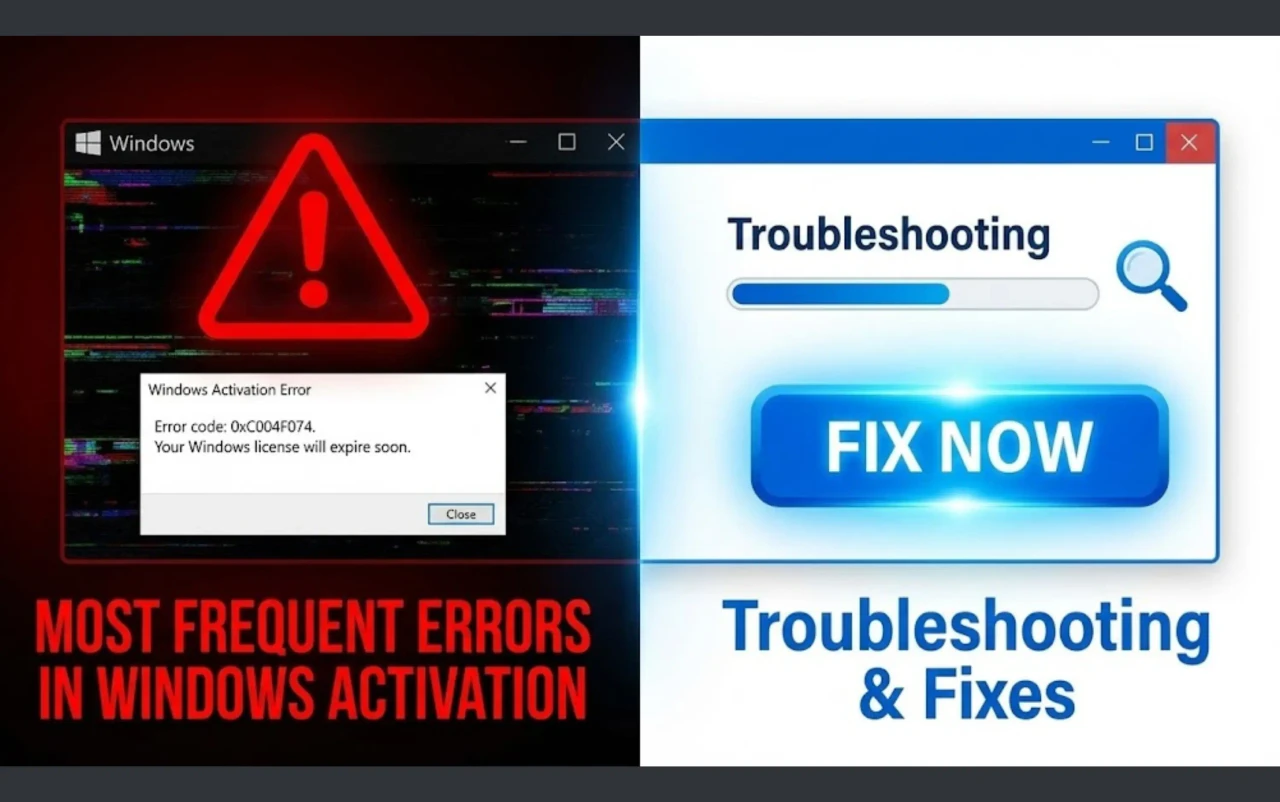
Even users who try to activate properly often encounter recurring errors.
The cause usually lies not in Windows itself, but in mismatched editions, reused keys, or unreliable third-party activation methods.
2.1 Why Free Windows Activation Methods Often Fail
Free “activation tools” or KMS cracks claim to unlock Windows instantly.
They work by emulating a local Key Management Server (KMS) and forcing Windows to accept a fake validation token.
While this may remove the watermark temporarily, it introduces multiple risks:
- Security risks: Windows Defender and SmartScreen identify KMS emulators as trojans. Once removed, Windows returns to unactivated state.
- Update resets: Every cumulative update checks for genuine activation; fake tokens vanish after system reboots.
- Registry damage: Crack tools alter critical activation files, often corrupting Windows Licensing Services (sppsvc.exe).
The illusion of “activated” Windows lasts days or weeks, but eventually the Activate Windows watermark reappears.
Users then enter an endless loop of re-activation and repair, often wasting more time than a legitimate key would cost.
2.2 Typical Windows Activation Errors Users Encounter
If you’ve ever seen error codes such as 0xC004F074, 0xC004F050, or 0x803F7001, these refer to mismatched activation logic.
Main causes include:
- Using a key for the wrong edition (e.g., Pro key on Home install).
- Attempting to reuse an OEM key already tied to another motherboard.
- Internet connection errors during activation handshake.
- Installing pirated ISOs pre-loaded with altered activation scripts.
For instance, error 0xC004F050 means “Product key is invalid.”
This doesn’t necessarily mean fake — it could be a legitimate Windows license key used on a different hardware ID.
The system blocks it to prevent license duplication.
To verify key-edition compatibility, open Settings → System → Activation → Product Key Info.
Check whether your installed version matches your key (Home vs Pro).
This single step eliminates 70% of common activation errors.
2.3 Signs Your Windows Activation Is Not Stable
Even after “successful” activation, instability may persist if the license wasn’t properly stored on Microsoft’s servers.
Warning indicators:
- The “Activate Windows” watermark returns after a Windows Update.
- The message “Windows license will expire soon” appears unexpectedly.
- System reverts personalization settings or requests reactivation after major patches.
These issues happen when activation was completed locally but never validated online.
Your system may look activated, but Microsoft’s servers still list it as “pending.”
To check activation health, run this command in Command Prompt:
slmgr /xpr
If the message says “Windows is activated permanently,” your license is stable.
If it shows an expiration date, the activation is temporary — often from a cracked KMS method.
A legitimate Windows Activation Key prevents these uncertainties by binding activation directly to your hardware, independent of updates or region resets.
3. How a Windows Activation Key Works Compared to Other Methods
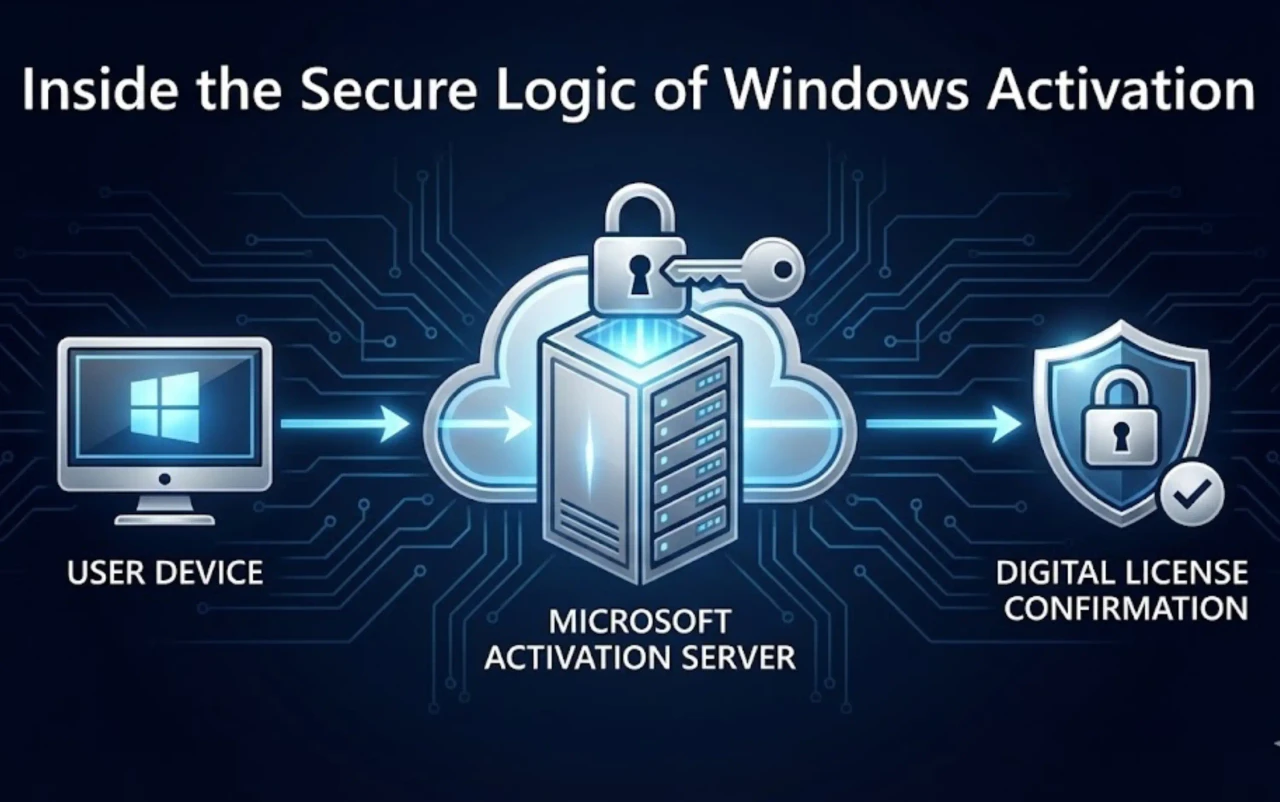
Windows can be activated in several ways — from official digital licenses to local activation emulators.
Understanding the technical difference between a genuine key and a cracked version helps you make a smarter, safer, and more stable decision.
3.1 How Key-Based Activation Works
When you purchase a Windows Activation Key from a trusted provider like MegaAcc, you’re not just buying a string of characters — you’re acquiring a cryptographic handshake between your device and Microsoft’s activation server.
Each Windows installation creates a unique Hardware ID (HWID) derived from your motherboard, CPU, and TPM.
The activation key binds that HWID to a verified Microsoft license server.
Technical sequence of key-based activation:
- You enter your product key via Settings → System → Activation.
- Windows validates the key’s edition (Home / Pro / Enterprise).
- An encrypted request is sent to Microsoft’s licensing cloud.
- The server checks if the key is unused, genuine, and edition-matched.
- Once verified, your hardware ID is recorded as “digitally entitled.”
After that point, your license becomes hardware-bound — even after reinstalls or version upgrades, Windows will reactivate automatically once connected online.
Core advantages:
- No dependency on third-party servers.
- Permanent activation linked to your hardware.
- Full support for Windows Update, Microsoft Store, and Defender.
A genuine key works silently, securely, and permanently. Unlike KMS cracks, it doesn’t tamper with registry files or background services.
As a result, systems activated with real keys show greater stability and significantly lower crash and corruption rates after cumulative updates.
3.2 Activation Key vs Free Activation Tools
Free activation tools (KMS, scripts, cracks) operate by spoofing Microsoft’s licensing servers — often redirecting your OS to a local “fake” Key Management Service.
This may temporarily remove the Activate Windows watermark, but it never grants genuine entitlement.
Key differences between legitimate and cracked activations:
|
|
|
|
|
|
|
|
|
|
|
|
|
|
|
|
|
|
|
|
|
|
|
|
|
|
|
|
KMS cracks disable system services like Software Protection Platform (sppsvc.exe) or Windows Defender, causing instability and eventual system degradation.
A legitimate activation key from MegaAcc maintains full encryption compliance — meaning your OS communicates directly with Microsoft’s servers without modification.
In short:
Real key = permanent security + legal compliance.
Crack = temporary illusion + long-term risk.
You can explore fully verified and update-safe keys at MegaAcc.
4. How to Activate Windows Safely While Keeping Costs Reasonable
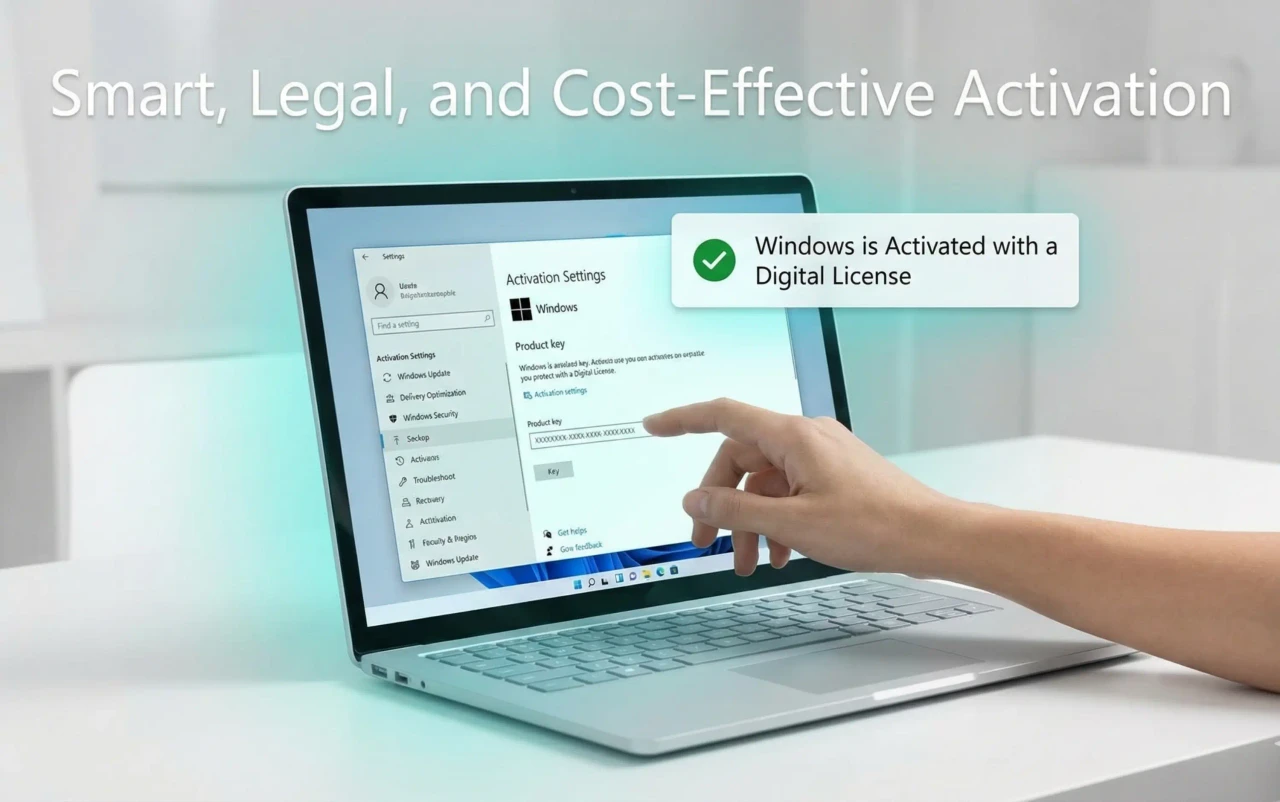
Official Microsoft retail keys are expensive — but you don’t have to overspend for legitimacy.
With platforms like MegaAcc, you can obtain verified OEM and retail keys at a fraction of the cost — without relying on risky activators.
4.1 Choosing the Correct Windows Edition
One of the biggest reasons activation fails is edition mismatch.
Each key is edition-specific — a Windows 11 Home key cannot activate Windows 11 Pro, and vice versa.
Before purchasing, verify your edition:
- Go to Settings → System → Activation → Edition.
- Confirm the version and region.
- Purchase the corresponding key type.
If you use the wrong edition, Windows will return Error 0xC004F050 – Invalid Product Key.
This doesn’t mean the key is fake — just mismatched.
MegaAcc helps eliminate this confusion by clearly labeling each listing:
Example: “Windows 11 Pro OEM Key (Global) – Verified, Lifetime Valid.”
Each key is tested for edition accuracy and activation persistence before sale.
4.2 Best Time and Method to Activate Windows
Timing impacts activation success.
Activating immediately after installation can fail if the OS hasn’t yet synchronized build data with Microsoft’s servers.
Recommended workflow:
- Complete Windows installation.
- Connect to the internet and allow automatic updates.
- Restart your PC to apply updates.
- Enter your key through Settings → System → Activation → Change product key.
- Wait for confirmation: “Windows is activated with a digital license.”
This ensures your license handshake occurs on the latest build version, avoiding activation delays or edition conflicts.
Avoid repeatedly testing multiple keys in quick succession — each failed attempt logs a temporary block on your device ID.
If activation fails once, reboot, reconnect, and retry after 15 minutes.
For permanent activation, use only genuine Windows Activation Keys from reliable providers such as MegaAcc — never free scripts.
4.3 Cost-Effective Activation Without Cracks
The misconception that you must pay $199 for a Microsoft retail license keeps many users on unstable “free” methods.
In reality, genuine OEM or corporate surplus keys are available legally for 70–90% less.
Why OEM & Volume keys from MegaAcc are cost-effective:
- Each key is sourced from verified surplus distributors.
- Fully compliant with Microsoft activation servers.
- Lifetime validity for a single device (OEM) or transferable (Retail).
- No risk of revocation or blacklisting.
This makes them ideal for students, freelancers, and small businesses.
A one-time purchase from MegaAcc activates Windows permanently — without the watermark, without registry damage, and without violating Microsoft’s licensing terms.
It’s the smart middle ground between “too expensive” and “too risky.”
5. Best Practices After Activating Windows
Activation isn’t the finish line — it’s the start of system reliability.
Once activated, your goal is to preserve license integrity and maintain update stability.
5.1 Checking Activation Status
Always verify that your activation was stored correctly.
Go to Settings → System → Activation.
If you see “Windows is activated with a digital license,” your activation is verified and permanent.
If it says “Windows is activated temporarily” or shows an expiration date, your method wasn’t genuine.
To double-check, open Command Prompt and run:
slmgr /xpr
If you see “This machine is permanently activated,” you’re secure.
If not, revalidate using your activation key or contact support from MegaAcc for assistance.
5.2 Keeping Windows Stable After Activation
Even genuine activations can break if users modify core services or registry keys.
Follow these best practices to maintain a healthy, update-safe system:
- Always install official Windows Updates — they patch vulnerabilities.
- Avoid third-party optimization software that deletes activation data.
- Don’t use new activation keys unnecessarily; one key = one lifetime.
- Backup your system once it’s stable (use System Image Backup).
- Avoid disabling “Software Protection Platform Service (sppsvc).”
Following these practices keeps your activation bound correctly to your hardware hash, avoiding reactivation requests after updates.
5.3 Why Choose MegaAcc for Verified Windows Activation Keys
Many platforms claim to sell “cheap Windows keys,” but few provide the trust and verification depth required for long-term stability.
MegaAcc stands out as a professional digital license provider for users who value authenticity and performance.
What sets MegaAcc apart:
- 100% legitimate OEM, Retail, and Volume keys sourced from licensed distributors.
- Pre-tested for edition accuracy and activation persistence.
- Compatible with Windows 10, 11, Home, Pro, and Enterprise.
- Instant delivery — activate within minutes.
- Lifetime guarantee and responsive technical support.
When you buy from MegaAcc, you gain more than activation — you gain a verified digital identity that ensures system trust, data security, and seamless updates.
Start your activation journey today:
👉 Get Genuine Windows Activation Keys at MegaAcc
One key. One activation. Lifetime stability.