










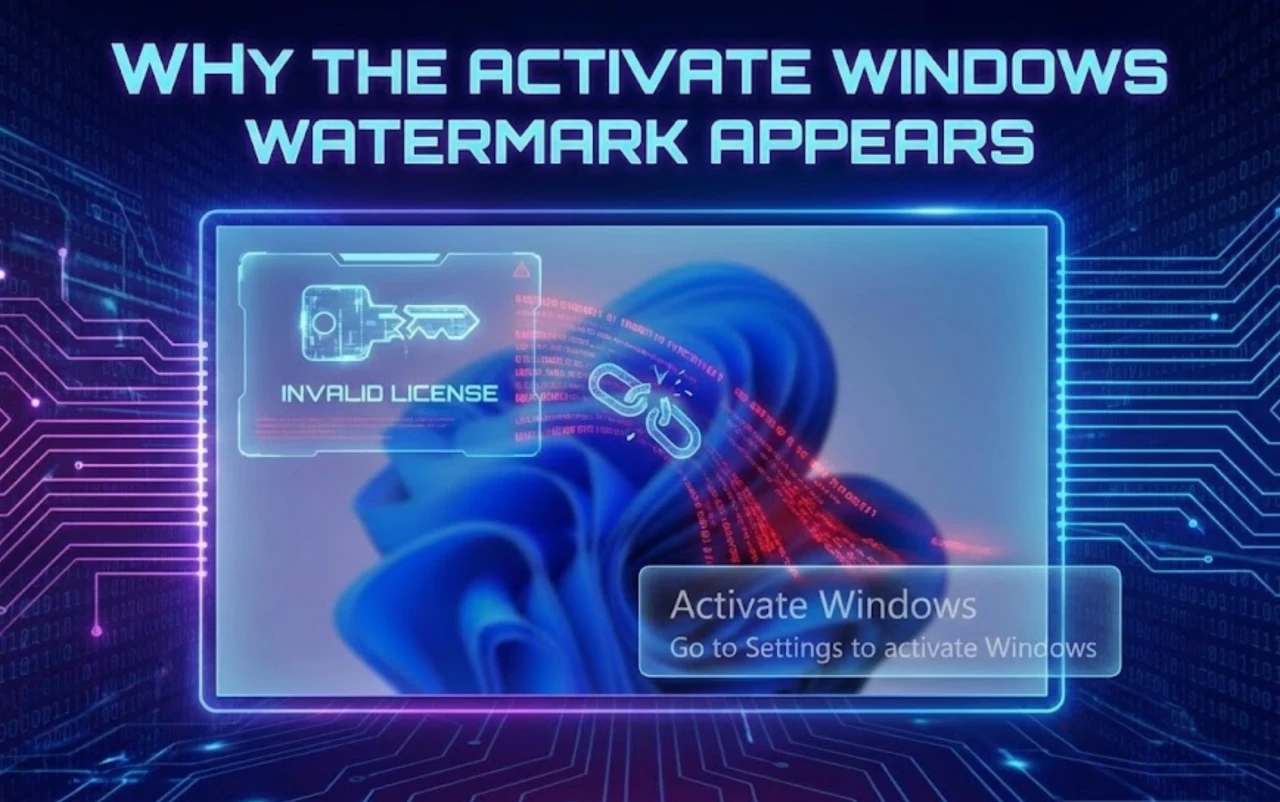
Every Windows user has seen it — the faint but persistent “Activate Windows” watermark in the bottom-right corner.
For some, it’s just a small distraction. For others, it’s a constant reminder that something isn’t quite right.
But beyond aesthetics, that watermark reveals a system that hasn’t completed Microsoft’s activation handshake — meaning certain features, security updates, and personalization options remain limited.
Let’s break down what the watermark really means, what happens when Windows 10 Home isn’t properly activated, and why removing it correctly (not temporarily) is the best long-term solution.
1. Understanding the “Activate Windows” Watermark Issue
Before trying to remove the watermark, it’s crucial to understand what triggers it — and why Microsoft uses it in the first place.
1.1 Why the Activate Windows Watermark Appears
The “Activate Windows” watermark appears when your operating system hasn’t been verified through Microsoft’s licensing servers.
Windows checks for a valid activation token tied to your hardware ID and product key. When it doesn’t find one, it displays the watermark to remind users their system isn’t fully authenticated.
Common scenarios where it appears:
- After reinstalling Windows without entering a key.
- Following hardware upgrades (especially motherboard replacements).
- When temporary or trial activations expire.
Unactivated Windows 10 Home runs in a “limited license state” — still usable, but with restrictions.
If your activation key is invalid or mismatched, Windows flags your system as “Windows 10 Home not activated”, leading to both visual and technical limitations.
Learn more about valid activation keys on MegaAcc.
1.2 Why the Watermark Is More Than Just a Visual Problem
At first glance, the watermark might seem harmless — you can browse, type, or play games normally.
However, the presence of that watermark means Windows is not verified at the core licensing level.
Impacts include:
- Limited personalization: you can’t change wallpapers, themes, or color settings.
- Reduced functionality: certain settings and background processes remain restricted.
- Security uncertainty: unactivated systems don’t always receive full security and driver updates.
For professionals, creators, and gamers, the watermark becomes an everyday annoyance — especially during screen recordings, presentations, or video edits.
In short, it’s not just a line of text — it’s a signal of incomplete trust between your OS and Microsoft’s licensing ecosystem.
1.3 Common Temporary Methods People Use to Hide the Watermark
If you search online for “remove activate windows watermark,” you’ll find dozens of quick fixes — from registry edits to command line tricks.
Common “temporary fixes” include:
- Running slmgr /rearm commands to reset activation timers.
- Editing registry values like PaintDesktopVersion to disable watermark display.
- Using watermark remover apps or KMS-based tools.
While these tricks may hide the text temporarily, they don’t fix the underlying issue — your OS is still unverified.
After updates or restarts, Windows checks activation again, and the watermark reappears.
In some cases, repeated tampering even leads to Windows Activation Errors or system corruption.
That’s why Microsoft recommends activating Windows properly — using a verified Windows 10 Home Activation Key from reliable sources like MegaAcc.
2. What Happens When Windows 10 Home Is Not Properly Activated
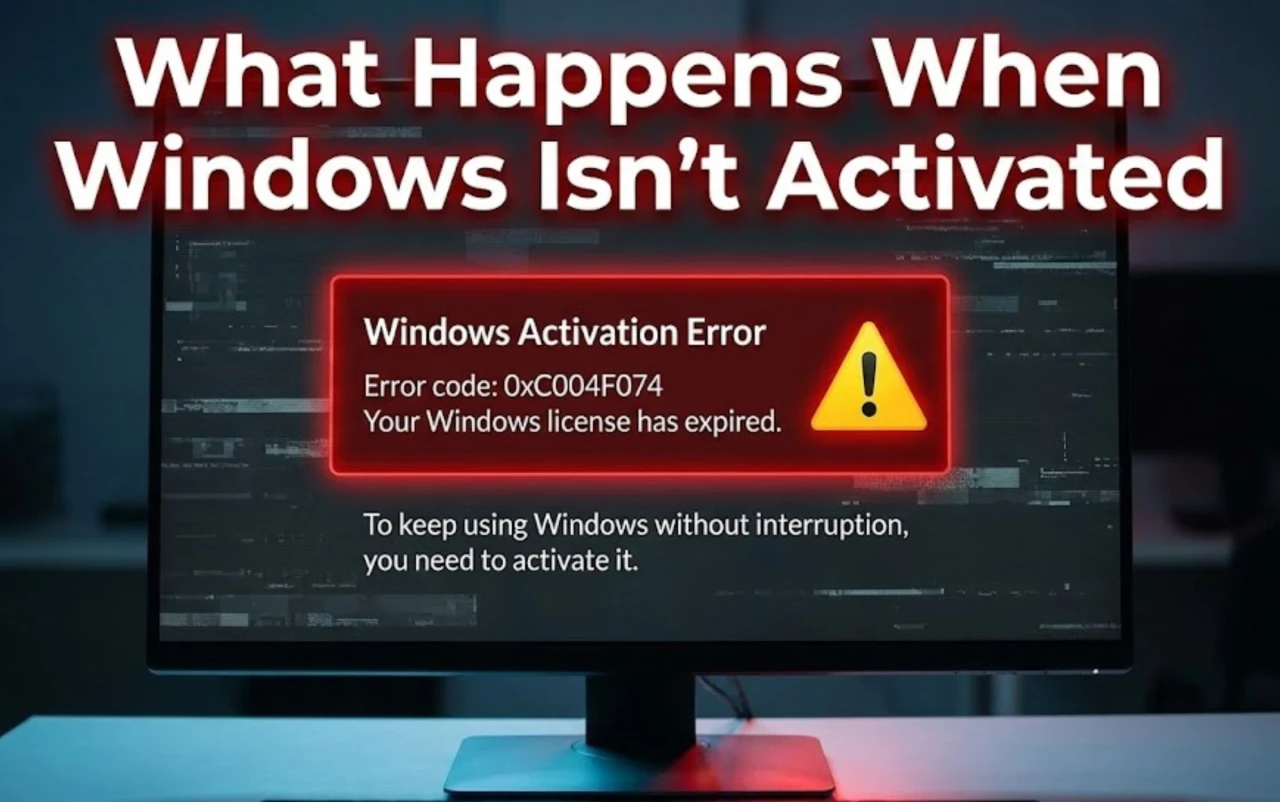
You can still run Windows without activation, but you’ll lose access to a range of functions and face recurring performance issues.
Let’s explore what actually happens behind the scenes when activation is skipped or fails.
2.1 Functional Limitations Without Activation
When your Windows isn’t activated, certain customization features are locked.
You’ll notice small but persistent restrictions:
- Can’t change wallpaper, accent colors, or themes.
- Lock screen and Start menu personalization disabled.
- Sync options with your Microsoft Account may not work fully.
Windows displays “Go to Settings to activate Windows” whenever you try to personalize your desktop.
While the core OS runs, the lack of activation puts it in “read-only mode” for several visual and personalization layers.
This is why users often refer to it as “Windows personalization locked.”
2.2 System Stability and Update Risks
System updates depend on license validation.
Without proper activation, Windows Update may still download patches but will restrict certain security or feature builds.
Consequences include:
- Delayed updates or patch failures.
- Higher risk of update rollback loops.
- Missing cumulative security fixes.
After major version upgrades (like 21H2 → 22H2), unactivated systems frequently trigger “Activation Error 0xC004F050” again — because the OS revalidates license tokens.
Even worse, temporary activations often fail after updates, bringing the activate windows watermark right back.
To prevent that, use a permanent digital license linked to your hardware — something genuine activation keys from MegaAcc are designed to provide.
2.3 Why These Issues Affect Windows 10 Home Users More Often
Windows 10 Home users are most vulnerable to activation errors for a few key reasons:
- Edition confusion: Many users accidentally buy Pro keys or apply Enterprise activators on Home editions.
- Hardware changes: Home editions don’t always rebind licenses automatically after motherboard replacements.
- Trial misuse: Some users use evaluation copies thinking they’re full versions.
Since Windows Home is the most widely distributed version globally, it’s also the one where “Activate Windows” watermarks appear most frequently.
Fortunately, it’s also the easiest to fix.
Using a Windows 10 Home Activation Key verified by MegaAcc ensures that the license matches the correct edition, region, and activation type — eliminating these repeat errors.
3. Why Windows 10 Home Is Actually Enough for Most Users
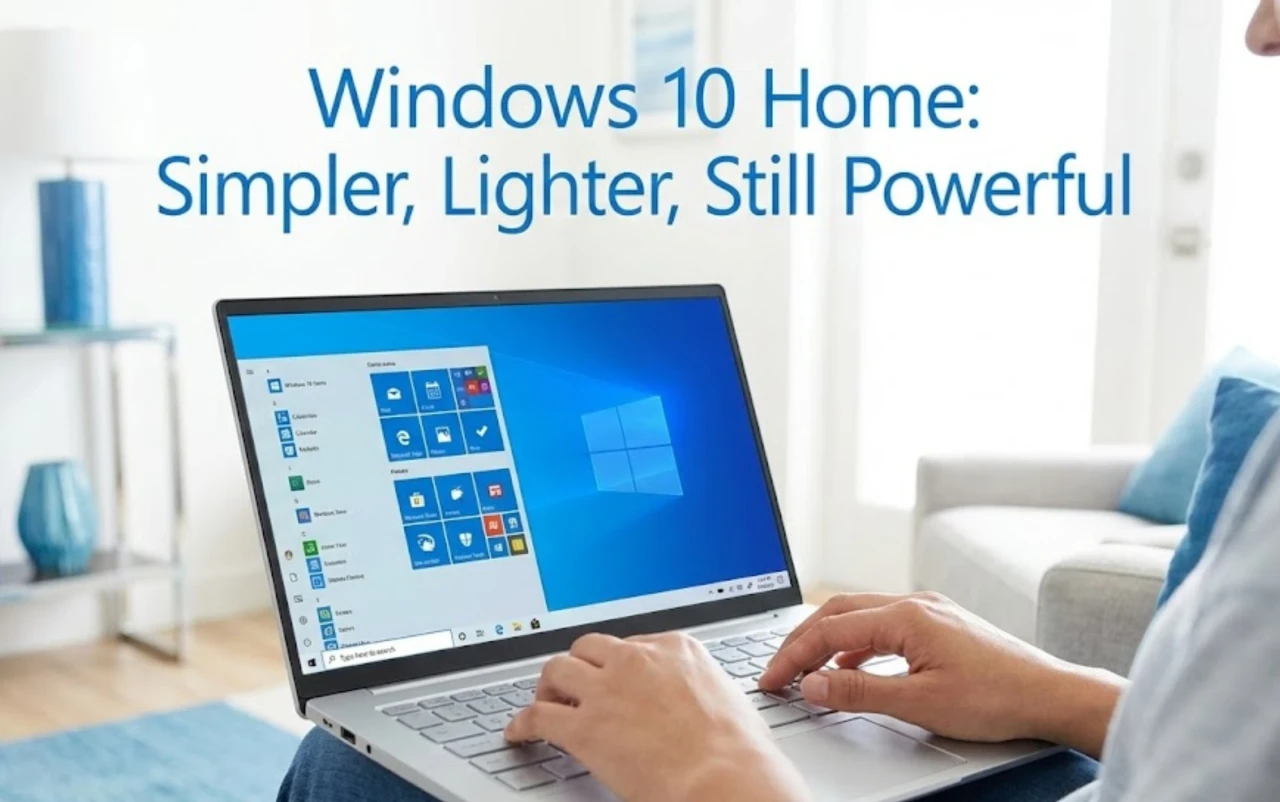
Many users assume that Windows 10 Pro performs better or is more secure.
In truth, Windows 10 Home delivers everything an average user, student, or freelancer needs—without unnecessary enterprise layers.
3.1 What Windows 10 Home Is Designed For
Windows 10 Home is built for personal computing. It includes all core features:
- Microsoft Edge and Office integration for study or work.
- Windows Defender + Firewall + BitLocker light for everyday security.
- Automatic updates, OneDrive sync, Cortana, and basic remote access.
It’s fast, lightweight, and optimized for non-corporate hardware. For most users, upgrading to Pro only adds cost and complexity without real benefit.
3.2 Features Most Users Never Need From Windows Pro
Windows Pro adds business tools like Group Policy, Domain Join, and BitLocker Enterprise.
They matter in corporate environments—but do nothing for personal use.
When you buy Pro “just to remove the watermark,” you’re paying for features you’ll never touch.
Windows 10 Home, when properly activated with a verified key, offers the same speed, stability, and update reliability.
3.3 When Windows 10 Home Makes More Sense Financially
The Home edition costs less and is easier to license.
With a verified Windows 10 Home Activation Key from MegaAcc, you can:
- Activate permanently in minutes.
- Receive official Microsoft updates.
- Keep full personalization and performance.
Instead of paying for corporate tools you don’t need, you invest in stability that lasts for years.
4. How to Activate Windows 10 Home Properly to Remove the Watermark Permanently
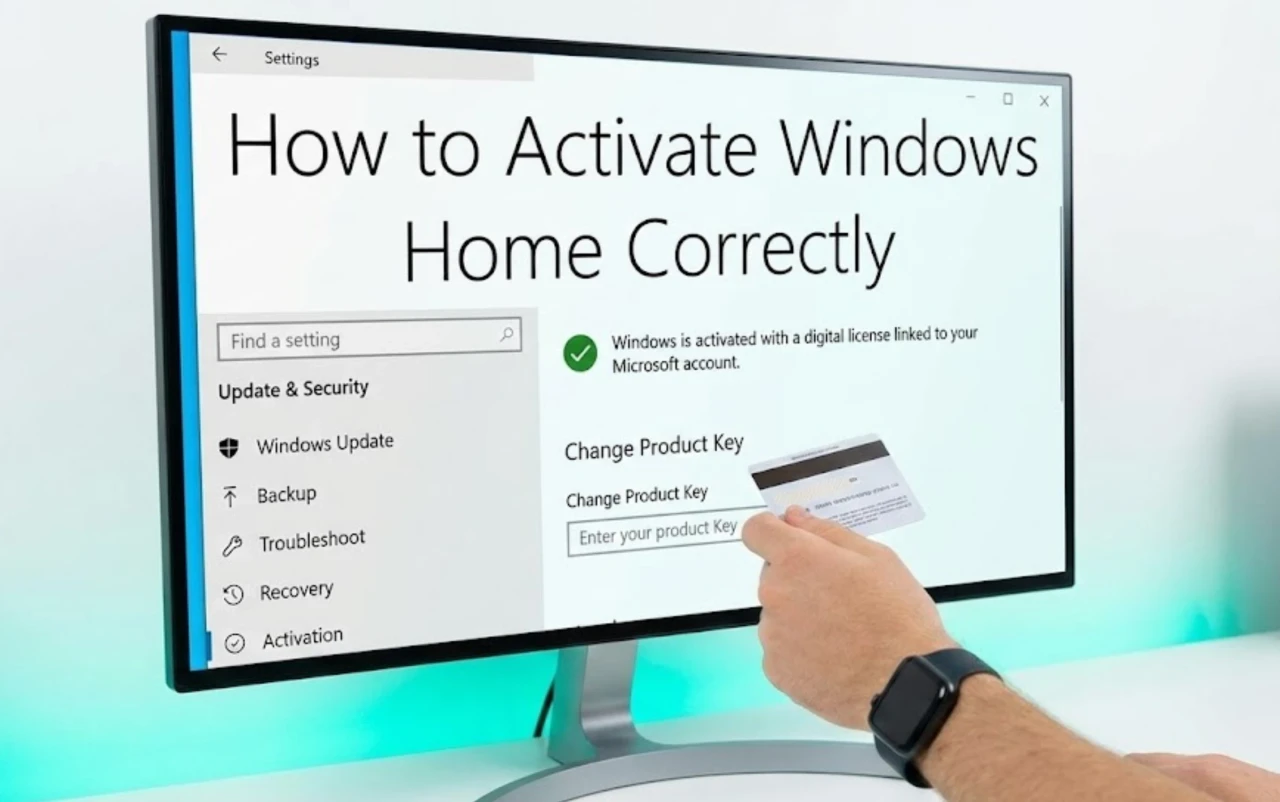
Removing the watermark isn’t about hiding it—it’s about completing activation the right way.
4.1 Choosing the Correct Windows 10 Home Activation Key
Always match your key to the exact edition.
Using a Pro key on Home builds—or reused keys from forums—causes instant failure.
A legitimate key should:
- Match your edition (“Windows 10 Home”).
- Be region-compatible.
- Come from a verified source.
Keys at MegaAcc are pre-tested for lifetime validity and edition accuracy.
Once activated, the watermark disappears forever and updates remain stable.
4.2 Best Time to Activate Windows
Activation success improves when you allow Windows to update first.
Recommended steps:
- Finish installing Windows 10 Home.
- Run Windows Update until no pending patches remain.
- Restart your PC.
- Enter the activation key via Settings → System → Activation → Change Product Key.
Avoid multiple consecutive activations; each failed attempt delays verification.
A single correct activation stores a digital license in Microsoft’s cloud, keeping your PC verified even after reinstalling.
4.3 Why Proper Activation Is Better Than Hiding the Watermark
Temporary “fixes” only hide the message. Proper activation fixes the root cause.
When you use a real key:
- The watermark is removed permanently.
- Updates run without error.
- Personalization unlocks fully.
- The license links to your hardware ID for life.
That’s why professionals choose genuine activation over registry tricks.
5. Benefits of Using a Genuine Windows 10 Home License
Beyond appearance, a legitimate license delivers measurable advantages in stability, security, and long-term cost.
5.1 Long-Term System Stability
A verified key ensures your system stays activated through future updates.
No more reappearing watermarks or activation loops.
Because the license is stored in Microsoft’s servers, even a clean install reactivates automatically when you log in.
5.2 Full Access to Windows Features
Activation restores full control over personalization and Microsoft services.
You gain:
- Theme and color customization.
- Sync with Microsoft Account and OneDrive.
- Full Defender and Windows Store support.
It’s the complete Windows experience—without restrictions or warning messages interrupting your work.
5.3 Better Value Compared to Temporary Fixes
Free activators and registry hacks may look cheaper but always cost more later—through system errors, data loss, or reinstalls.
A genuine Windows 10 Home Activation Key from MegaAcc solves activation once and for all:
- One-time purchase, lifetime license.
- Safe updates, no malware risk.
- Constant support and re-activation if hardware changes.
It’s smarter, safer, and more economical than any “free” workaround.
If your daily use includes studying, working online, or gaming, Windows 10 Home is already everything you need.
Activate it once with a verified key from MegaAcc to remove the watermark forever and enjoy stable performance, automatic updates, and full personalization.
Start your activation journey today:
👉 Get Genuine Windows 10 at MegaAcc
Activate once — stay licensed for life