










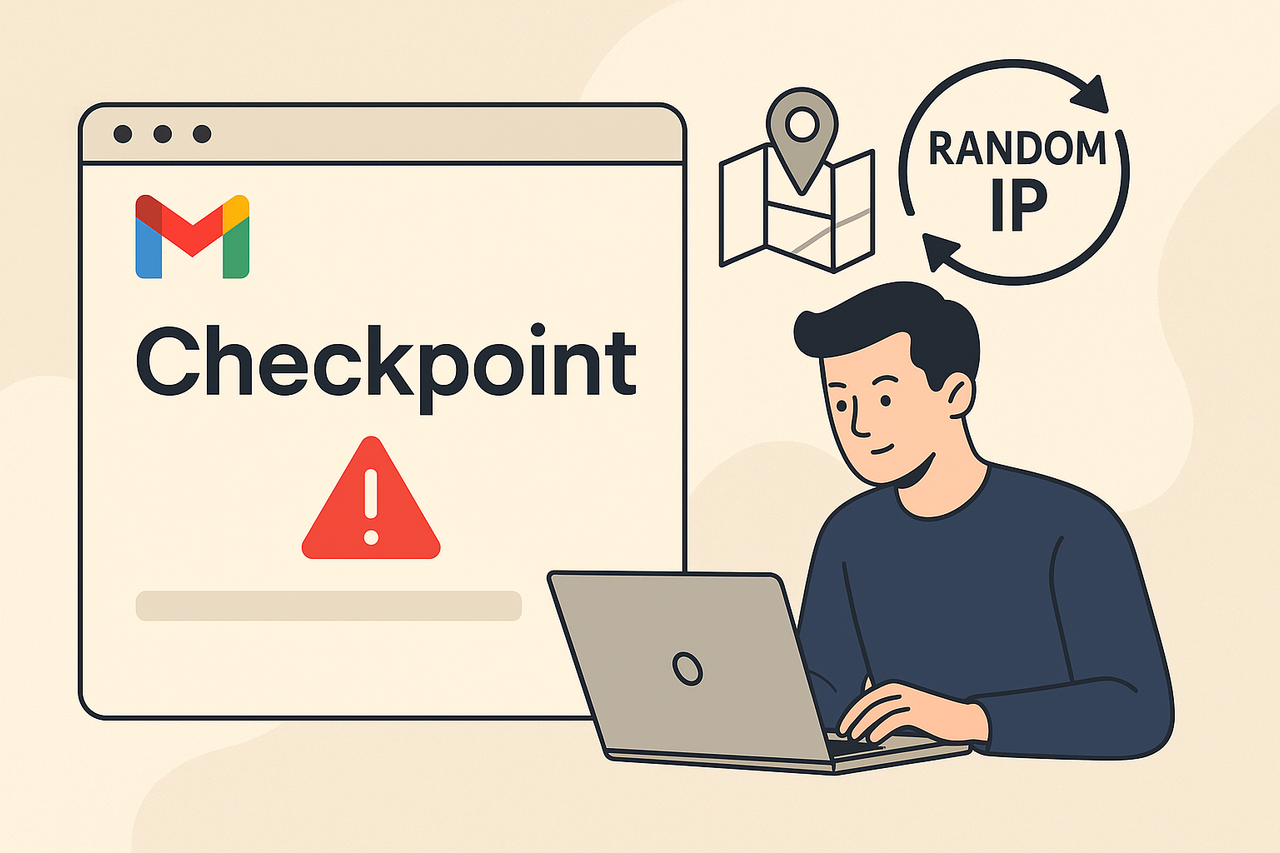
Every marketer, MMO user, or automation professional has faced this frustration:
you log in to Gmail, and suddenly—checkpoint.
The page freezes. You’re forced to verify your phone, confirm recovery email, or even wait 48 hours before regaining access.
For users managing multiple Gmail accounts, this isn’t a minor issue—it’s a workflow disaster.
Why does Gmail behave this way?
The answer lies in how Google’s security algorithms interpret changes in login environments.
This article explains what triggers Gmail checkpoint, what makes Gmail Random IP unique, and how it helps you avoid those endless login verifications when working across different locations.
1. Why Does Gmail Trigger Checkpoint When You Switch IPs?
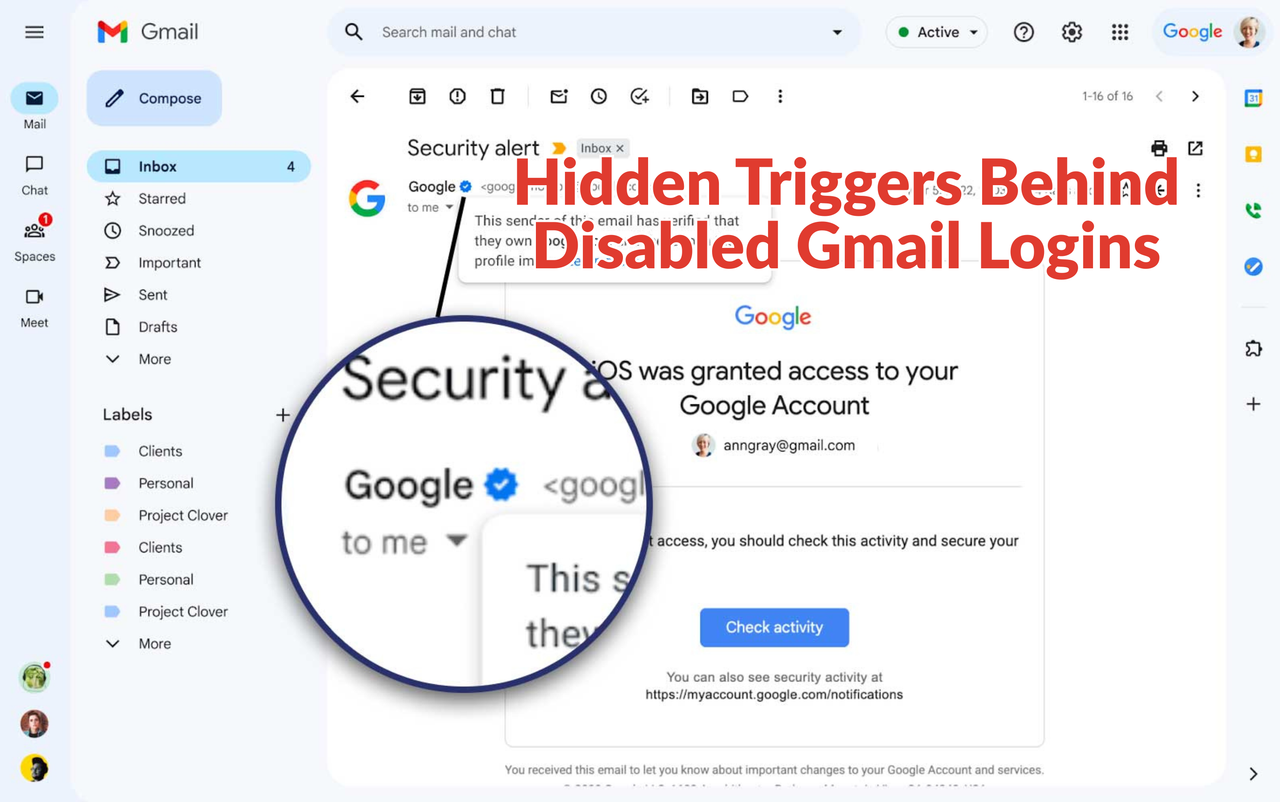
Gmail’s checkpoint isn’t a bug; it’s a defense system.
Google uses it to verify that every login comes from the real owner of the account, not an automated or stolen session.
However, for professionals who manage many accounts, frequent checkpoints are a serious obstacle.
1.1 What Happens Behind a Gmail Checkpoint?
Each Gmail account maintains a trust pattern—a background record of the IPs, devices, browsers, and time zones you usually log in from.
When you suddenly appear from a new IP address, Google’s AI interprets it as “unusual activity.”
The system then triggers a checkpoint for one reason:
“This behavior doesn’t match your historical login data.”
That’s why even legitimate users experience:
- Phone number verification requests.
- Login freezes.
- Temporary access denials.
The checkpoint process is Gmail’s way of confirming identity continuity.
But for multi-account operators or marketing teams using different proxies, this identity continuity is impossible to maintain naturally.
1.2 What Login Patterns Commonly Trigger Checkpoints?
Some actions almost guarantee that Gmail’s system will flag your logins as suspicious:
- Logging in from multiple IP ranges in a short time (especially across countries).
- Using the same browser or cookies for dozens of Gmail accounts.
- Switching proxies mid-session.
- Accessing accounts from datacenter IPs instead of residential ones.
- Running automation software without maintaining consistent device fingerprints.
Google’s algorithm doesn’t care about intent—it reacts to patterns.
If your footprint looks inconsistent or automated, Gmail assumes risk.
In practice, the result is a flood of gmail login issues and checkpoint loops that stop your productivity cold.
For people managing 20–100 accounts, these micro-verifications can destroy efficiency.
That’s why many professionals turn to Gmail Random IP—a strategic solution that teaches Google’s algorithm to expect diversity.
2. What Is Gmail Random IP and Why Does It Help Avoid Checkpoints?
2.1 How Does Gmail Random IP Work?
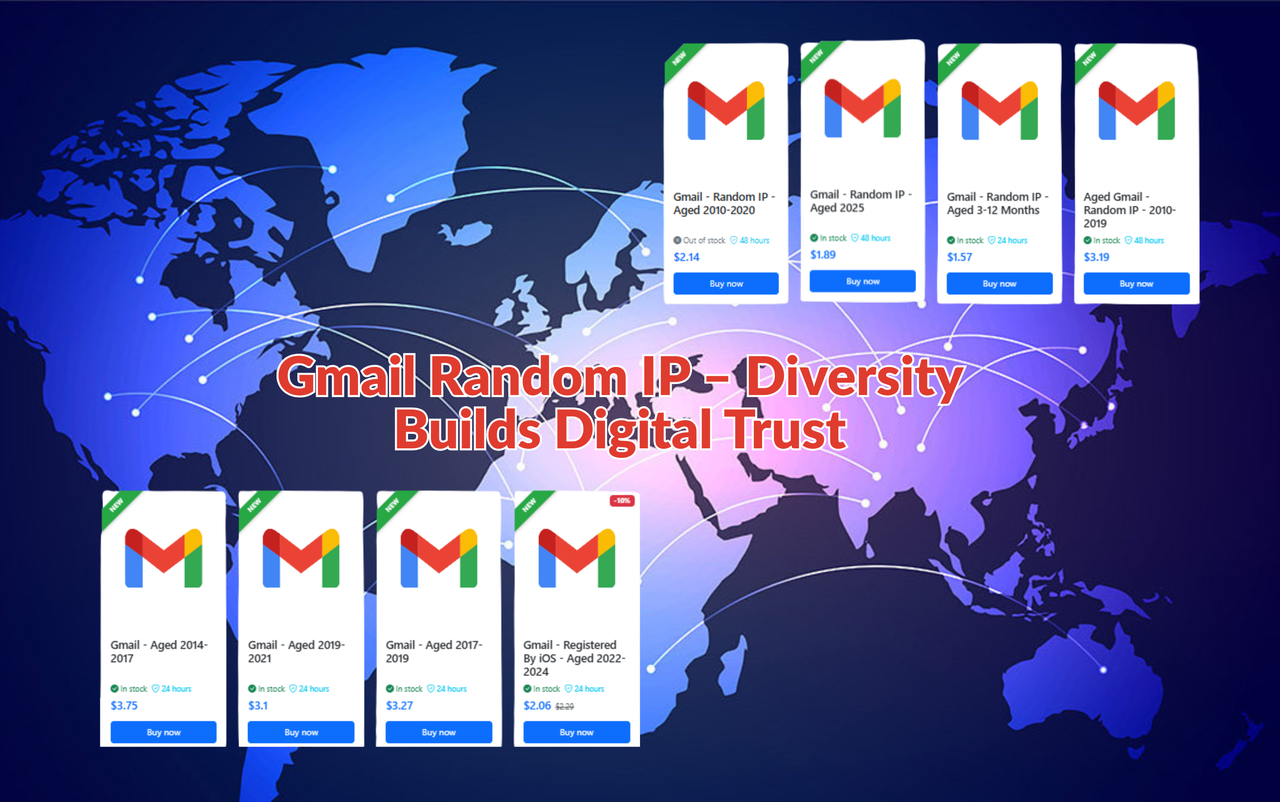
Gmail Random IP refers to Gmail accounts that have historically logged in from various IP subnets and regions.
In Google’s internal database, such accounts develop a “distributed footprint.”
This multi-region behavior means that when you log in again from a new IP, Google perceives it as normal variation, not as a threat.
Essentially, Gmail Random IP trains Google’s AI to tolerate change.
For professionals managing multiple Gmail identities—marketing, automation, MMO—this distinction is crucial.
Instead of triggering repeated checkpoints, Gmail Random IP accounts operate smoothly across different IPs, browsers, and devices.
You can explore verified account packages here:
👉 MegaAcc Gmail Random IP.
2.2 Why Is Gmail Random IP More Checkpoint-Resistant?
To understand why, think of Gmail’s security model as a consistency detector.
A normal Gmail is “region-anchored”—its IP and login pattern point to one geography.
Any deviation looks dangerous.
Gmail Random IP, however, builds trust through diversity.
Because its past activity already includes multiple IPs and devices, Google’s model treats multi-region access as a standard pattern, not a violation.
In real-world terms:
- You can switch between proxies with less risk.
- Google sends fewer 2-step verifications.
- Your automation tools (AdsPower, Incogniton, GoLogin) operate longer without interruptions.
It’s not about hiding—it’s about looking predictably unpredictable.
Gmail Random IP normalizes cross-location behavior.
2.3 How Does Gmail Random IP Differ from Gmail US or Single-Region Accounts?
While both account types provide strong trust signals, they serve different operational goals.
|
|
|
|
|
|
|
|
|
|
|
|
If Gmail US offers stability, Gmail Random IP offers adaptability.
Professionals who work in fixed geographies (agencies, advertisers) prefer Gmail US;
but users who rotate locations or manage multiple accounts benefit most from Gmail Random IP’s “elastic” footprint.
Learn more about use-case differences at MegaAcc Product Overview.
3. How Does Gmail Random IP Prevent the Checkpoint Chain Effect?
3.1 What Is a Checkpoint Chain and Why Is It Dangerous?
A “checkpoint chain” happens when multiple Gmail accounts logged into the same device or IP trigger checkpoints in sequence.
Once Google marks one account as suspicious, it evaluates all others sharing the same session or fingerprint.
For multi-account users, this can lock entire projects.
Imagine managing 50 accounts, and 10 of them trigger verification loops in one day—your automation pipeline collapses instantly.
3.2 How Does Gmail Random IP Break That Chain?
By design, Gmail Random IP distributes login diversity across IPs and histories.
Google’s detection system sees no centralized origin—each account behaves as if it belongs to a different user.
That separation dramatically reduces cross-account contamination.
Even if one login triggers review, the others remain stable.
For MMO teams, agencies, or automation workflows, this single property saves hundreds of hours monthly.
Learn how to structure independent account environments in How to Create Multiple Gmail Accounts Safely.
4. How Can You Log In Safely and Manage Multiple Accounts with Gmail Random IP?

Even with Gmail Random IP’s checkpoint-resistant footprint, long-term stability depends on discipline.
Google’s algorithm rewards consistency wrapped inside diversity — a paradox only professionals understand.
To make Gmail Random IP truly effective, you must operate like a human across all environments: one account, one identity, one logical story.
4.1 What Are the Key Principles for Safe Logins Across Multiple IPs?
The rulebook for multi-location Gmail management looks simple but demands precision.
- Assign a dedicated ecosystem per account.
Each Gmail should have its own browser profile, proxy, and device fingerprint.
Think of them as independent digital identities. Cross-mixing cookies or extensions between accounts creates a network fingerprint Google can trace instantly.
- Choose proxies like you’d choose colleagues — trustworthy.
Residential or mobile proxies mimic genuine consumer behavior.
Datacenter proxies often share subnets with automation clusters already flagged in Google’s risk database.
One flagged subnet can trigger a mass checkpoint wave.
- Warm up before automating.
Warm-up is the invisible art that transforms a cold Gmail into a living one.
Spend several days per account doing natural actions: open YouTube, reply to emails, leave Drive files idle, enable two-factor authentication (2FA).
This behavioral seasoning stabilizes login patterns before you connect automation tools like AdsPower or GoLogin.
- Avoid synchronized logins.
Google detects parallel sessions on shared IPs as non-human activity.
Space out logins by a few minutes and rotate IPs gradually.
Treat your accounts as a team taking turns instead of a crowd rushing the door.
- Secure recovery layers.
Add verified recovery emails and numbers to every Gmail Random IP account.
If a checkpoint still appears, you can verify instantly instead of losing access for days.
These steps form the foundation of safe Gmail login across different IPs, helping you run stable operations for months without interruptions.
4.2 How Can You Maintain a Sustainable Multi-Account Workflow?
Scalability without structure leads to collapse. A sustainable workflow is one where every Gmail acts predictably within its assigned environment.
- Define roles and purposes.
Keep advertising accounts separate from registration or content accounts.
When each Gmail has a single function, its behavioral pattern stays consistent and Google’s AI reads stability.
- Map your network.
Professional MMO teams maintain detailed spreadsheets listing each Gmail ID, proxy, device, and browser profile.
This prevents accidental overlap and helps diagnose issues faster.
- Rotate activity intelligently.
Perform small actions daily instead of large bursts once a week.
Consistency is the core signal in Google’s trust system.
- Simulate real human timing.
Use automation tools that replicate human behavior, including random delays, cursor movements, and scrolling.
Google records micro-interactions that bots usually ignore.
- Create redundancy.
For every twenty active accounts, maintain a few backups ready to replace any that enter checkpoint.
Resilient systems always include buffer capacity.
Large affiliate or MMO teams often divide operations into pods of ten to fifteen accounts, each on its own IP cluster.
If one pod fails, others remain unaffected — ensuring continuity.
Find more multi-account optimization frameworks in the MegaAcc Blog.
5. Why Is Gmail Random IP the Foundation for Long-Term Multi-Account Stability?
When your infrastructure spans countries and devices, the challenge is no longer login access—it’s trust persistence.
Gmail Random IP acts as the bridge between diversity and stability: flexible enough to move freely, yet credible enough to stay verified.
5.1 How Does Gmail Random IP Enable Scalable Multi-Location Systems?
Each Gmail Random IP carries multi-region metadata, so Google views logins from new IPs as habitual rather than anomalous.
That design detail translates into practical advantages:
- For MMO operations, automation can run across rotating proxies without mass checkpoint interruptions.
- For global agencies, distributed teams can access client inboxes from multiple countries without lockouts.
- For ad verification, marketers can register business tools under stable yet multi-region conditions.
In performance marketing, stability equals profit.
Every hour without checkpoint means more deliverability, more data, and higher ROI.
Because Gmail Random IP accounts behave “normally diverse,” they build trust faster even under heavy usage — exactly what scalable systems require.
5.2 Why Should You Choose Verified Gmail Random IP from MegaAcc?
Creating multi-region accounts manually is almost impossible today.
Google requires unique SIM verification, region-specific cookies, and long-term activity logs.
A single inconsistency can lead to suspension before an account even warms up.
MegaAcc provides pre-verified Gmail Random IP accounts designed for multi-location reliability.
Each account includes:
- Pre-built multi-region login history with realistic patterns.
- Verified two-factor authentication (2FA) and recovery details.
- Clean security footprint without shared subnets or reused proxies.
- Compatibility with AdsPower, GoLogin, and Incogniton.
- Creation years between 2015–2019 for aged credibility.
Unlike mass-produced low-quality batches, MegaAcc accounts are created and aged under controlled environments.
Each one is manually logged to establish human-like patterns before delivery.
This ensures that every Gmail you receive already carries Google-verified behavior.
You can explore verified package tiers and bulk purchase options here: MegaAcc Gmail Random IP.
5.3 How Does Gmail Random IP Future-Proof Your Automation Ecosystem?
Regulatory and platform security requirements evolve constantly.
Google’s systems are moving toward identity continuity — where accounts must demonstrate both consistency and organic activity.
Gmail Random IP inherently meets those standards because diversity is built into its historical data.
Future-proofing means your operation can scale without rebuilding trust every time you expand.
With verified Gmail Random IP accounts:
- You remain compliant with region-verification policies.
- You retain historical login trust across markets.
- You minimize account replacements and training overhead.
The benefit is not only avoiding checkpoints today, but also preserving your ecosystem when Google tightens identity rules in the future.
Building the Next-Generation Multi-Account System
The real difference between fragile and stable networks lies in their trust architecture.
When you combine structured workflows with verified Gmail Random IP accounts, Google no longer sees anomalies — it sees consistency through diversity.
That’s how the best MMO teams, marketing agencies, and automation experts achieve long-term uptime and zero checkpoint disruptions.
Build your advertising foundation on verified trust.
Start today with Gmail Random IP accounts from MegaAcc - designed for reliability, scalability, and global flexibility.